
Technical introduction
Dashboard
Languages & Translations
Pages
Blocks
Menus
Content
Libraries sections
MemSource Integration
Log actions
Configurations
Form requests
Form contact
AB service
Travel Policy Builder
Mouseflow
Blacklist emails
Intro
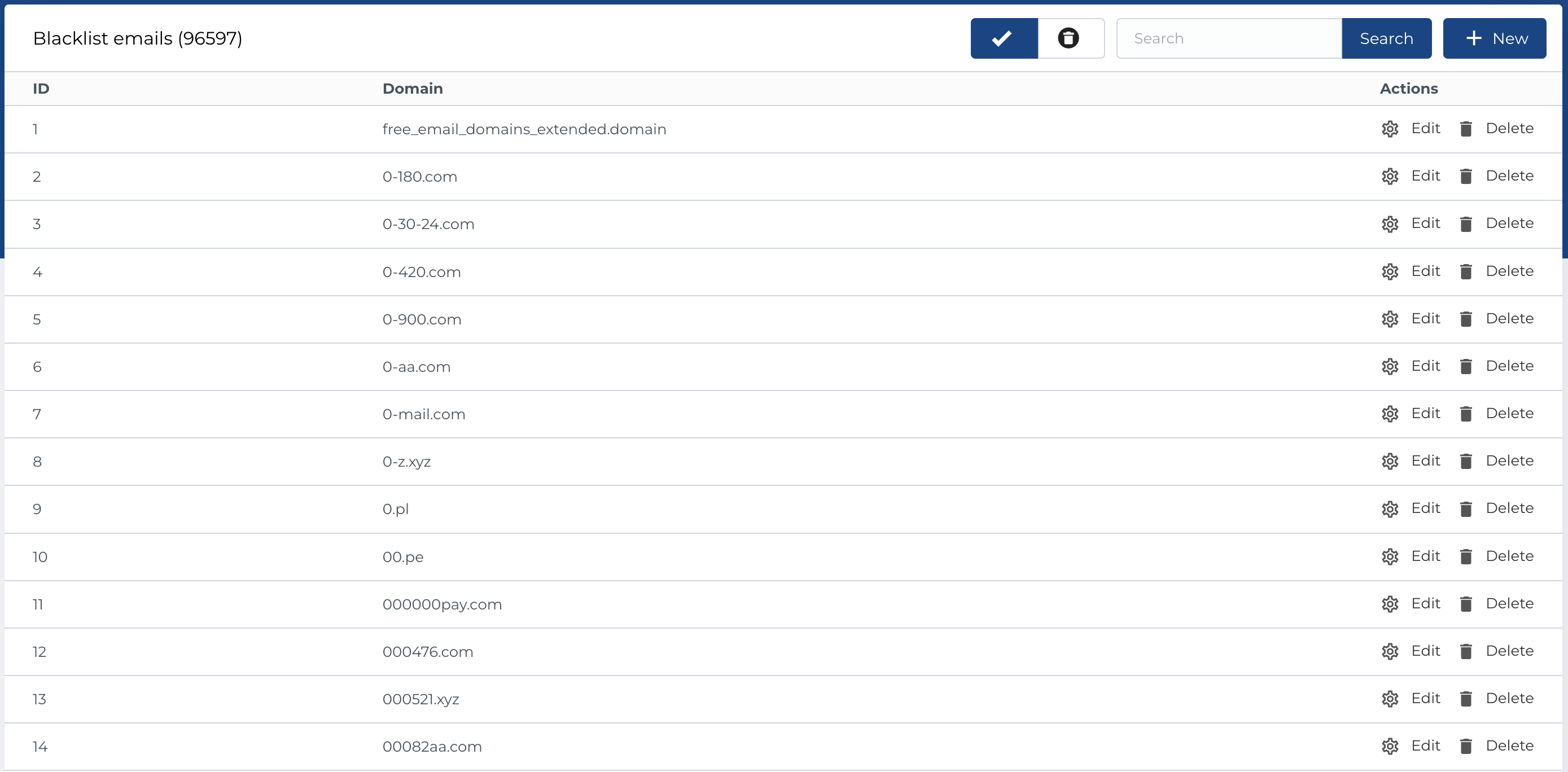
The Blacklist Emails section in the admin panel displays all blocked email domains. This blacklist is used when a user submits a form (with their email address) in the Calculator v2 block. If the user's email contains a blacklisted domain, a validation error is triggered. This process helps prevent spam requests.
Blacklist emails list
This section displays a list of blocked email domains and includes the following columns:
- ID: Unique identifier for the blacklisted domain.
- Domain: The blocked email domain.
- Actions: Available actions for managing each entry.
Available Actions
The following actions are available for managing blacklisted domains:
- Active / Bin Switcher: Allows you to move an entity to the bin, restore it, or permanently delete it.
- Search: Search for a domain by name.
- Create: Add a new blocked email domain.
- Edit: Modify an existing domain entry.
- Move to Bin: Temporarily remove an entity.
- Restore: Recover an entity from the bin.
- Delete: Permanently delete an entity from the bin.
Create new blacklist email domain
To add a new blacklisted email domain, use the Create New form. This form includes the following field:
- Domain: The email domain to be blacklisted.
Required fields:
- Domain
The Edit form is identical to the create form, allowing you to modify the domain of an existing blacklisted email.
