Technical introduction
Dashboard
Languages & Translations
Pages
Blocks
Menus
Content
Libraries sections
MemSource Integration
Log actions
Configurations
Form requests
Form contact
AB service
Travel Policy Builder
Mouseflow
Create new user
Intro
When you need to add a new user in the CMS (e.g., an Editor), you can do this by navigating to the User Create page. This can be accessed either from the left-side menu (as a sub-menu item under "Users") or from the Users page by clicking the New User button.
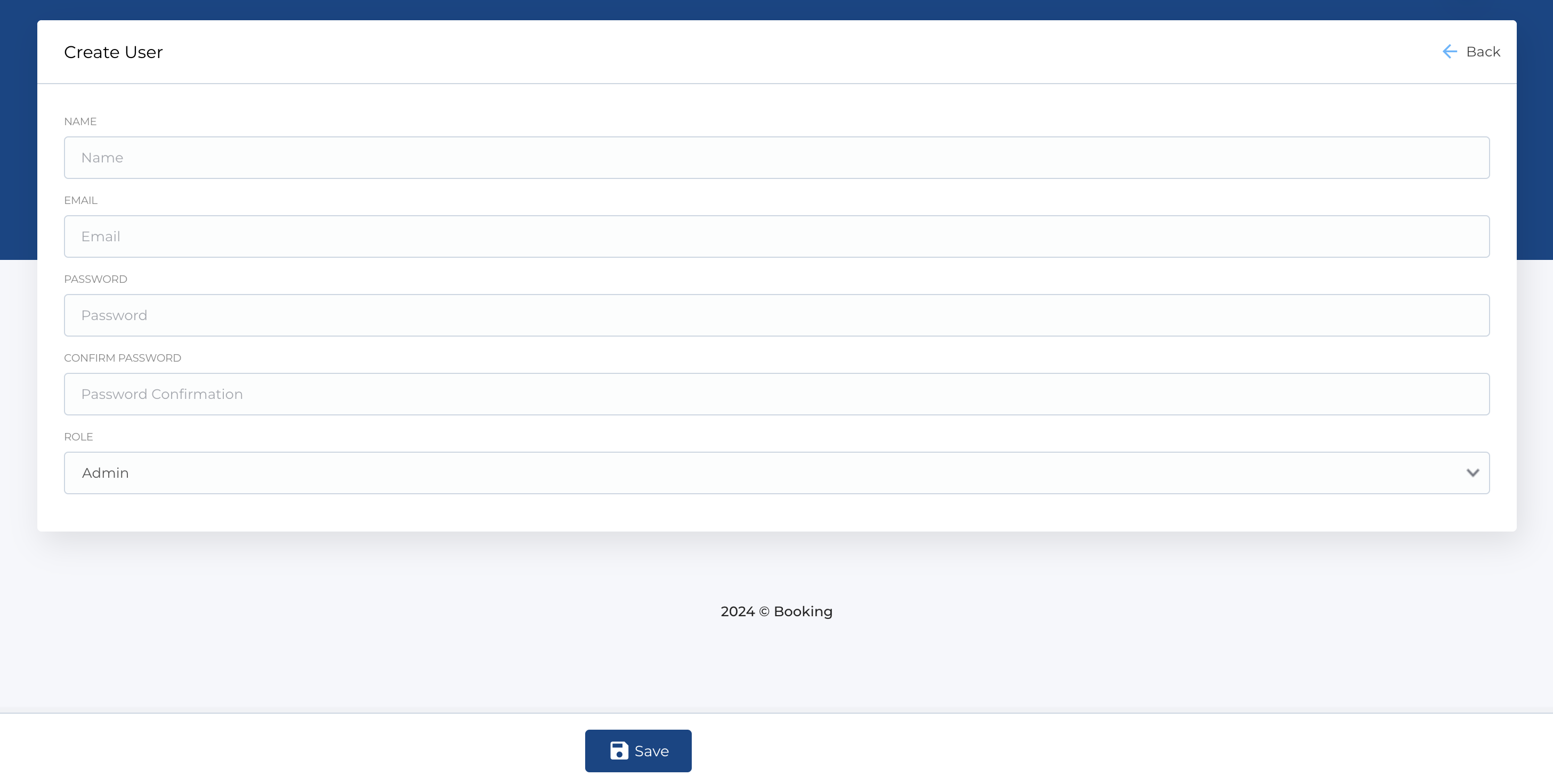
Add new user
This page contains a form for creating a new user. The form includes the following fields:
- Name: The user's full name.
- E-mail Address: The user's email address.
- Password: A password for the user.
- Confirm Password: Re-enter the password for confirmation.
- Role: Select the role for the user (Admin, Editor, or Translator).
All fields are mandatory.
After the user is created, on their first login, they will be required to set up two-factor authentication (2FA) for added security.
To create a new user, ensure all fields are completed, and submit the form to finalize the user's creation.