Technical introduction
Dashboard
Languages & Translations
Pages
Blocks
Menus
Content
Libraries sections
MemSource Integration
Log actions
Configurations
Form requests
Form contact
AB service
Travel Policy Builder
Mouseflow
Language selector
Intro
Each CMS entity, displayed as text on the site, can be individually populated for every available language within the CMS. This allows for multilingual content management, ensuring that the text is presented in the appropriate language based on user preferences or location. Each entity can be customized and localized, ensuring consistent messaging across different languages and regions.
Language selector
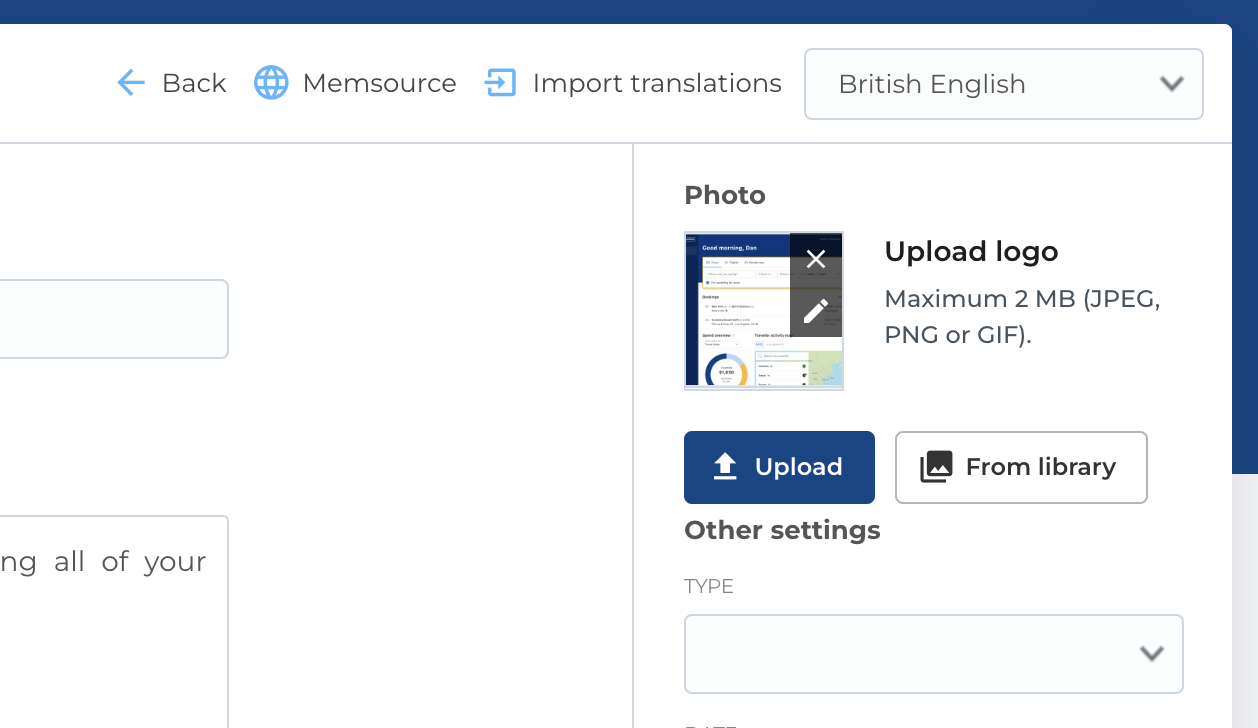
When editing an entity in the CMS, you can fill content for different languages (locales) by using the language selector located in the top right corner of the page.
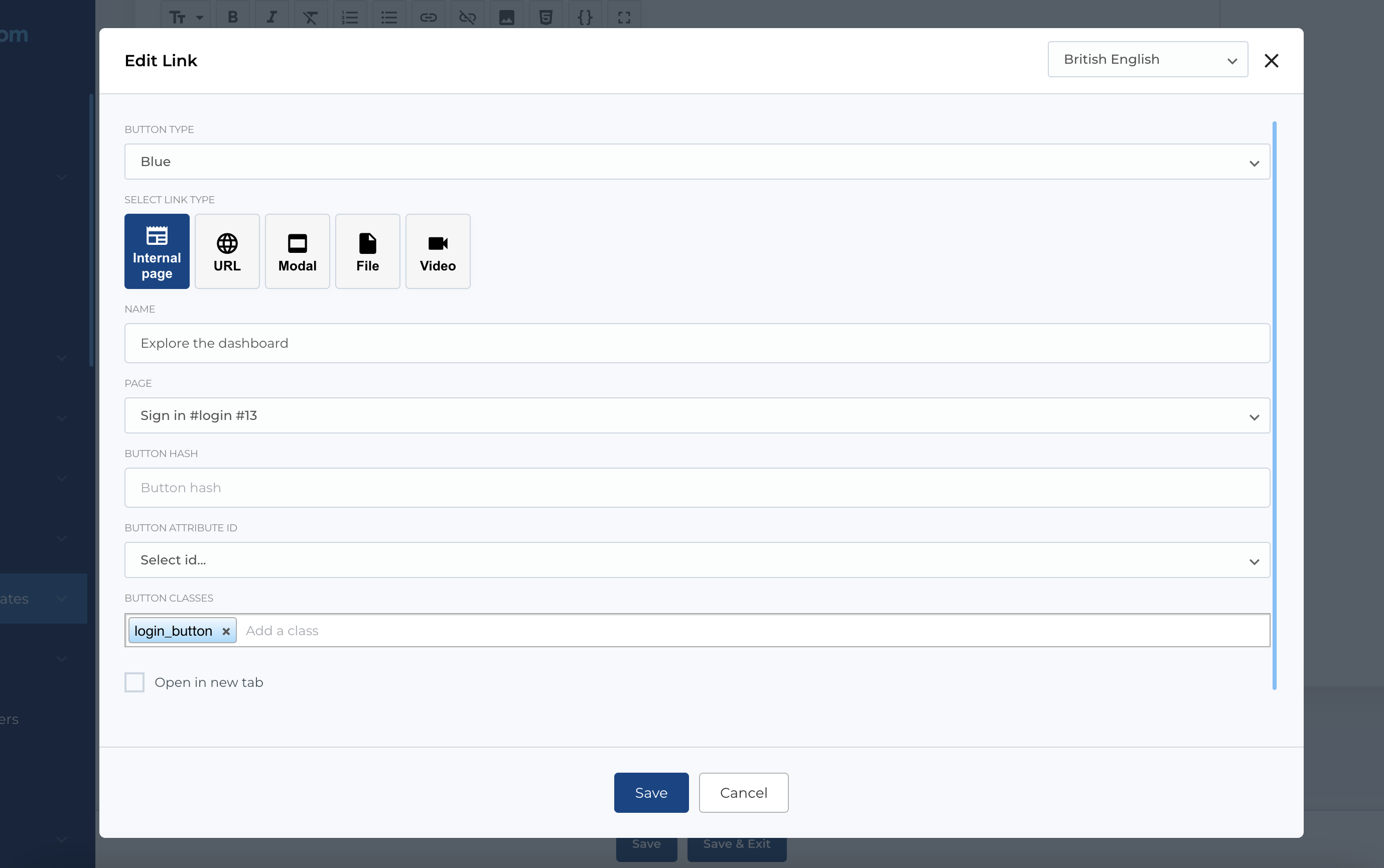
If you edit some entity in the modal (like extra block) - same selector will be in the modal, in the top right corner.