
CMS blocks
- Intro #1
- Block base configuration #2
- Type of blocks #3
- Block composition #4
- Request a new block to the website #5
Intro
The CMS is built around a modular concept of a page builder, composed out of blocks. This principle allows building any combination of pages and content on wish.
Block base configuration
Block can be global or local.
Global blocks listed on the Blocks page in left side menu. When you edit / create page, these blocks can be imported to that page, but can't be modified from page. Block fields can be edited on block edit page. All changes will be applied to all pages to which this block was linked. When you delete block from the page - CMS unlink block from page.
Local blocks are displayed directly on the page, which you edit / create. This block can be edited only in list of page blocks. When you delete block from the page - CMS will permanently delete this block.
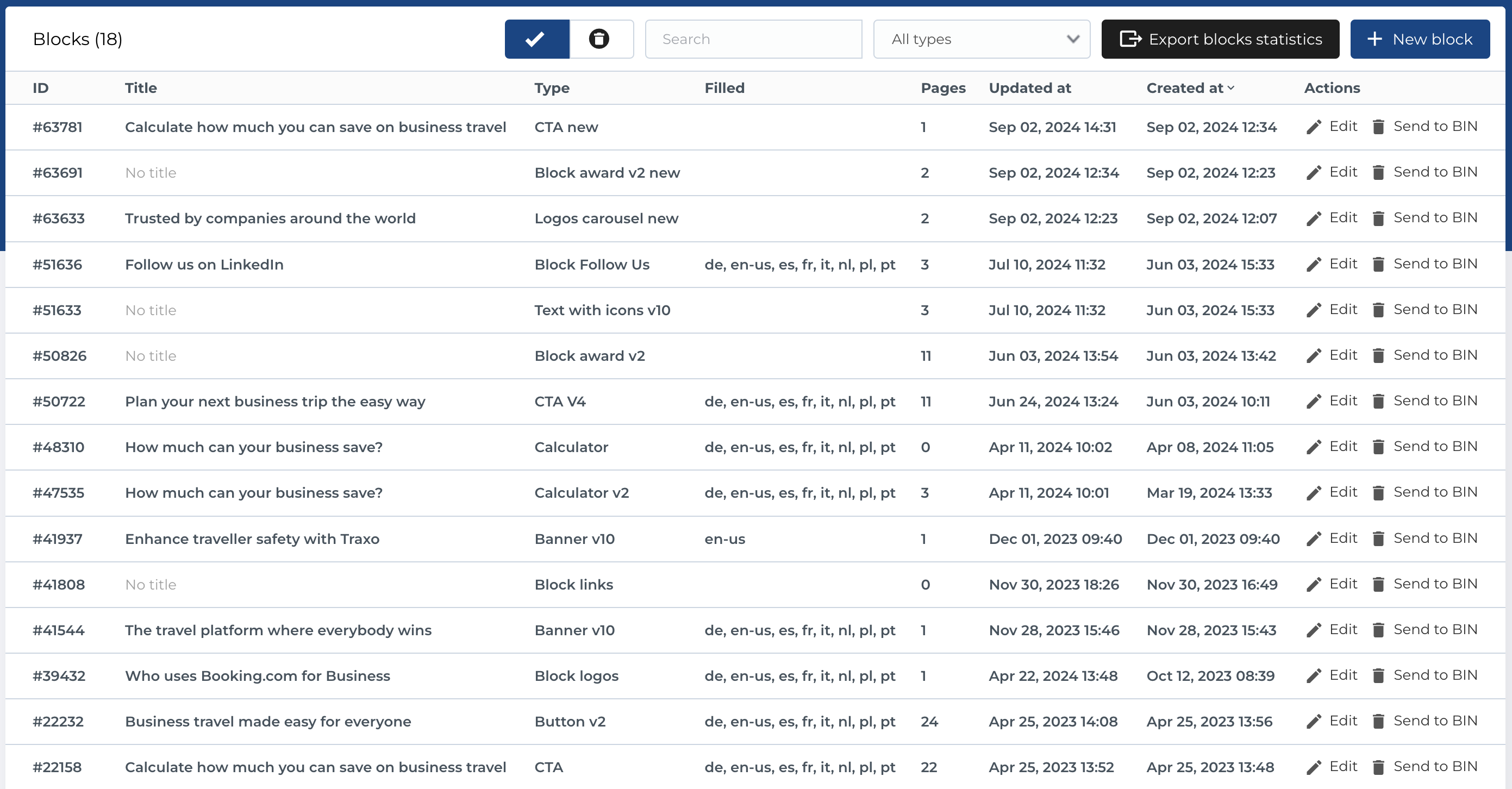
Type of blocks
The blocks are divided in a few categories of blocks as:
- Widgets
- Lists / Buttons
- Text / Images
- Media
- Separators
- Text
- Text / Forms
Text blocks
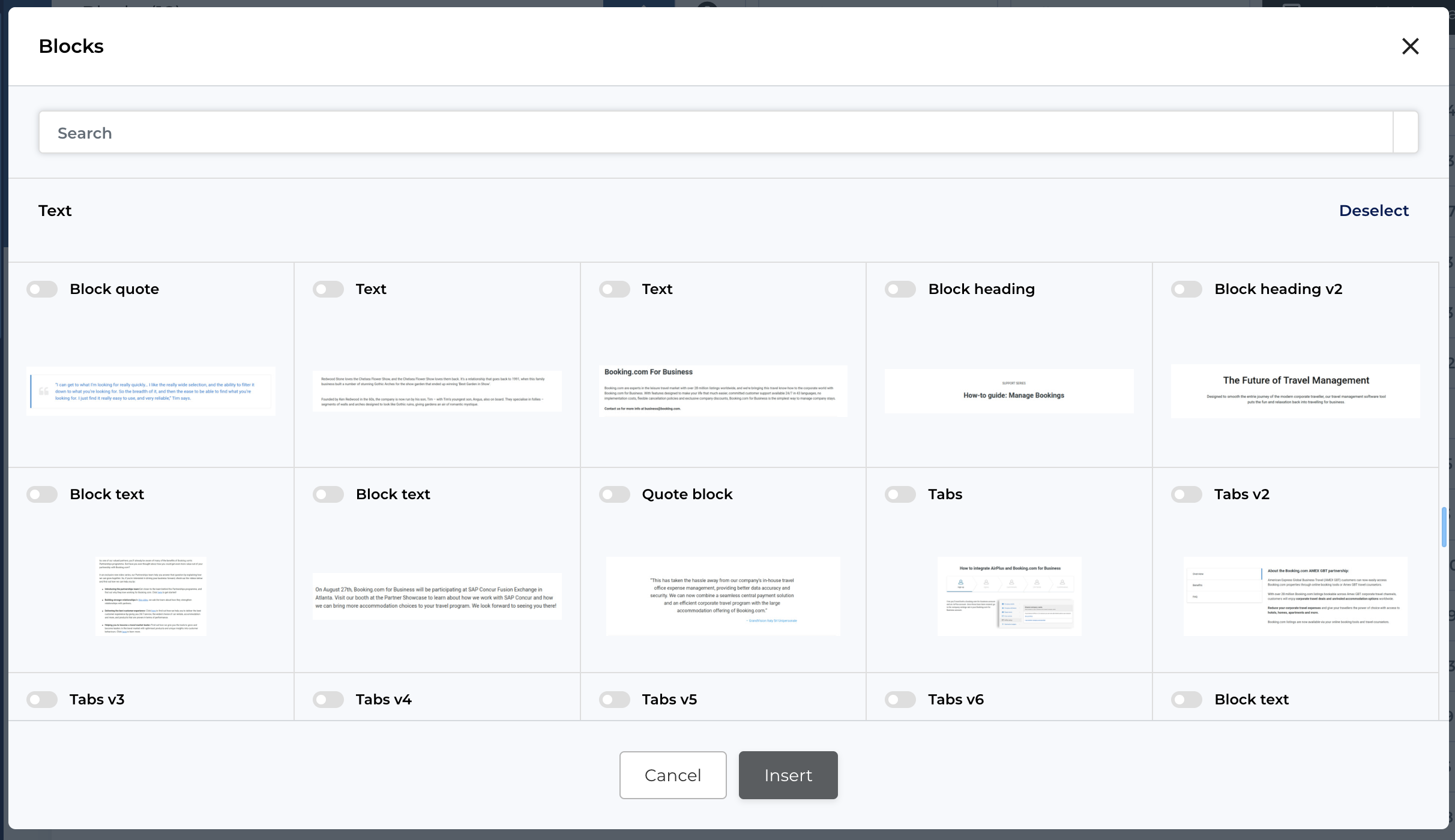
Text blocks section includes different variations of blocks that facilitate text in different layouts, alignings and designs
Lists / buttons blocks
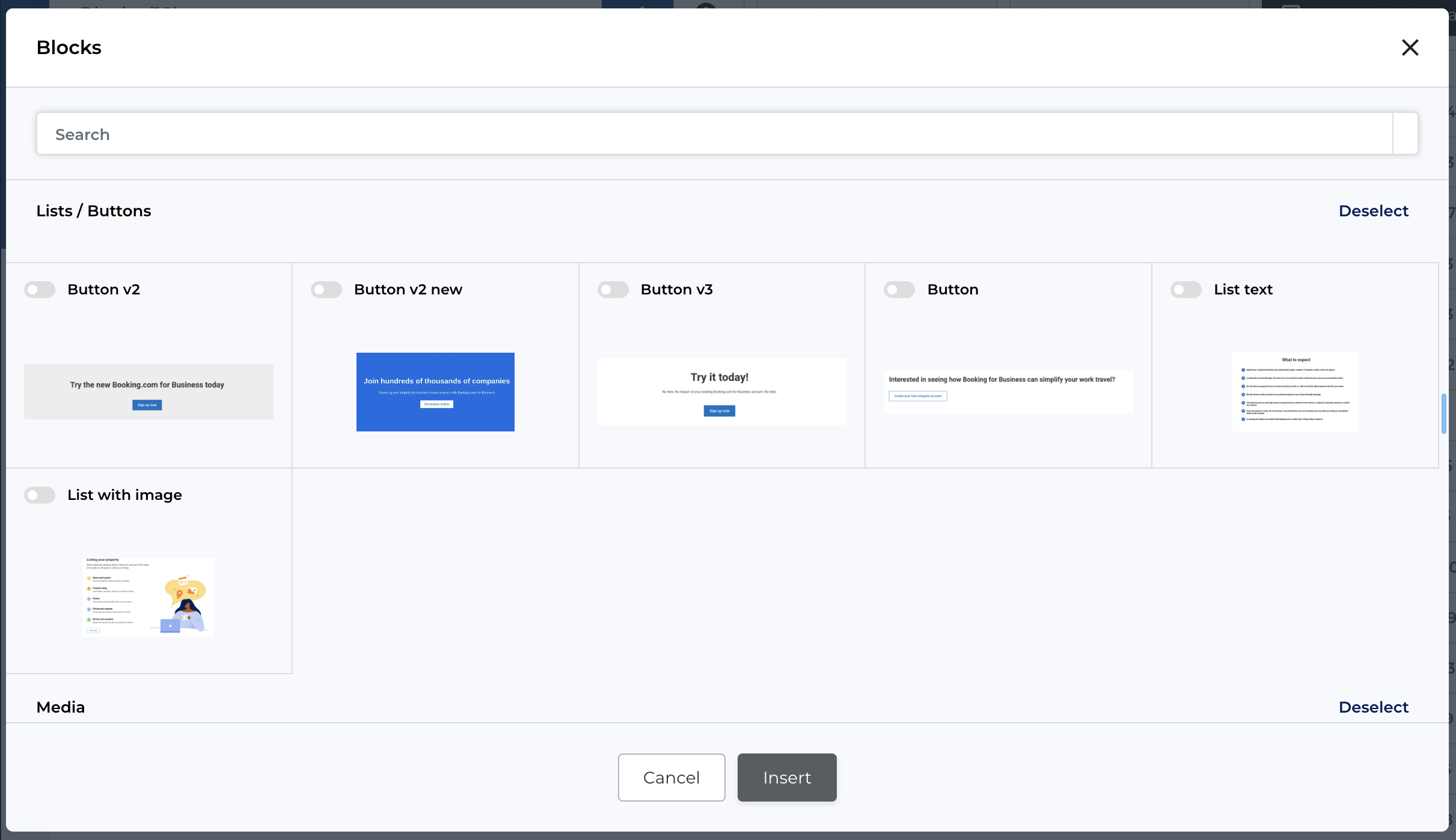
Lists and buttons category speaks for itself, featuring variations of list designs and action buttons.
Media blocks
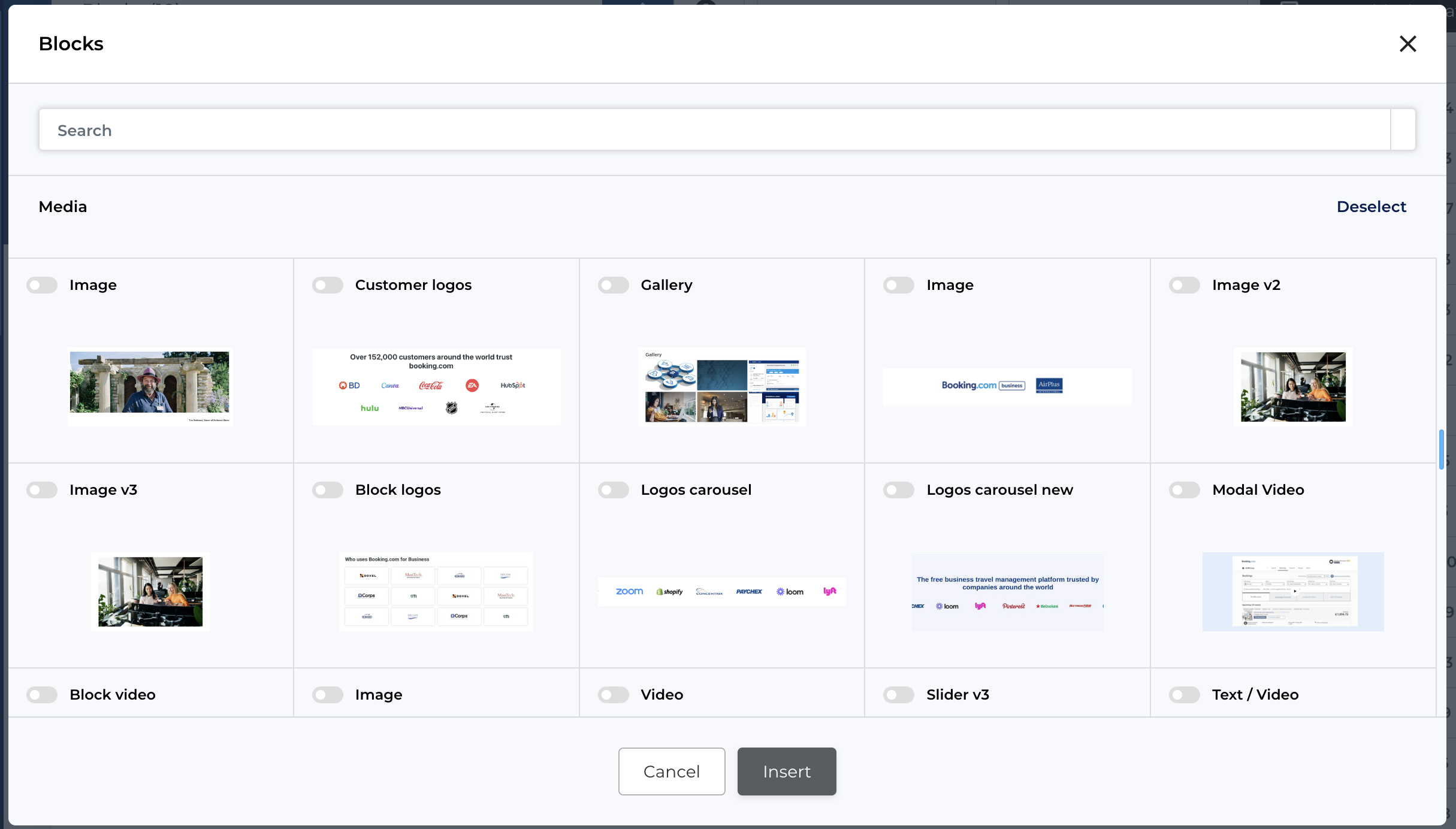
Media blocks facilitate blocks meant to feature any imagery possible - video embedding blocks from Youtube, Vimeo or internal, images, galleries, sliders and similar...
Separator blocks
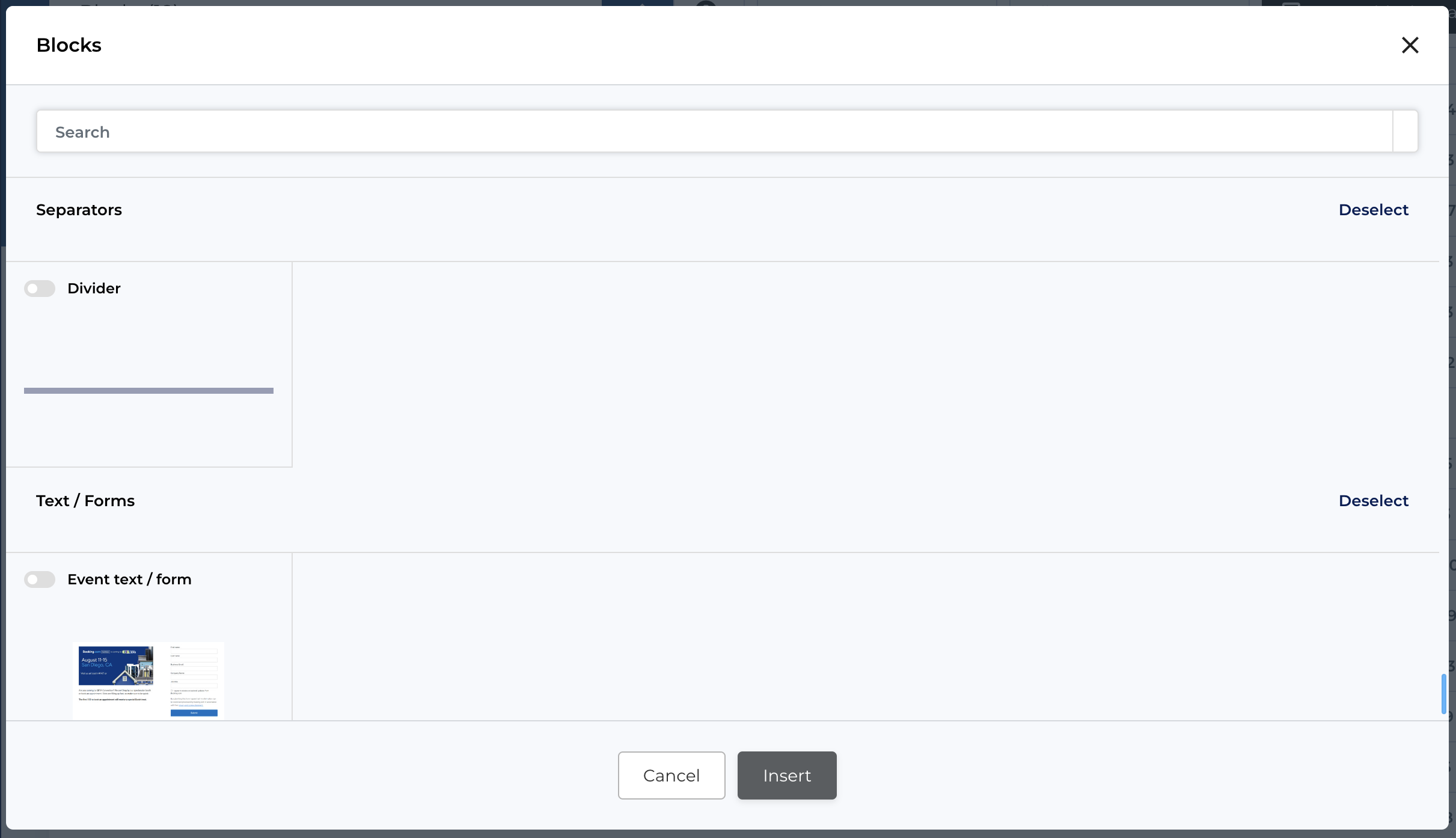
The separator blocks category features only 1 block - a line separator that is usually used to separate 2 similar content-type blocks through out the page.
Widgets
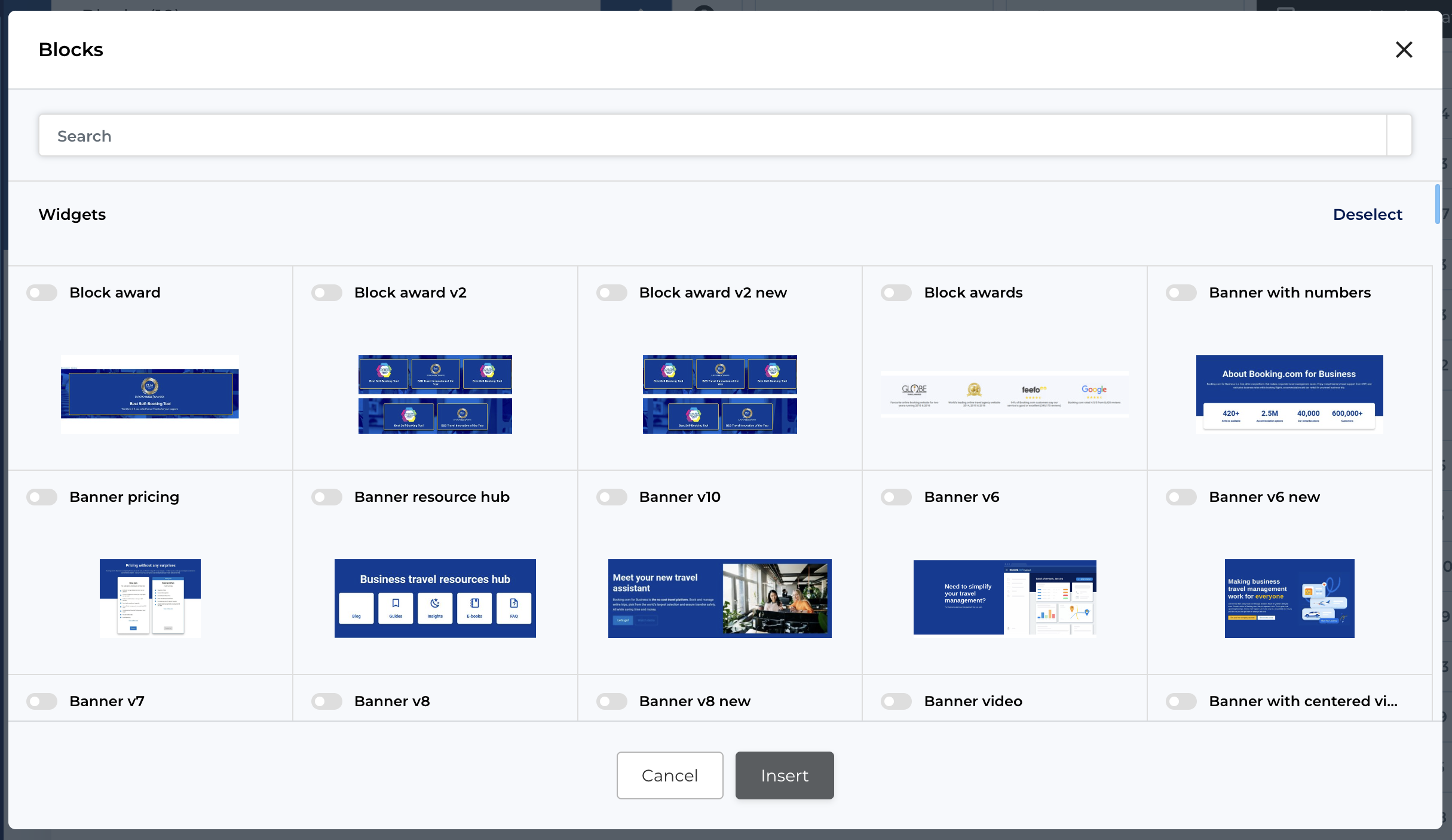
Widgets feature complet blocks which usually have a difficult logic / a specific workflow or design. These block variations will include also content which may come from third-party integrations or separate sections of the website. For example:
- Awards
- Partners
- Banners (header banners)
- Breadcrumbs
- Cards
- FAQ
- Features
- Pricing plans
- HTML block
- Statistics
- Integrations
Text / images blocks
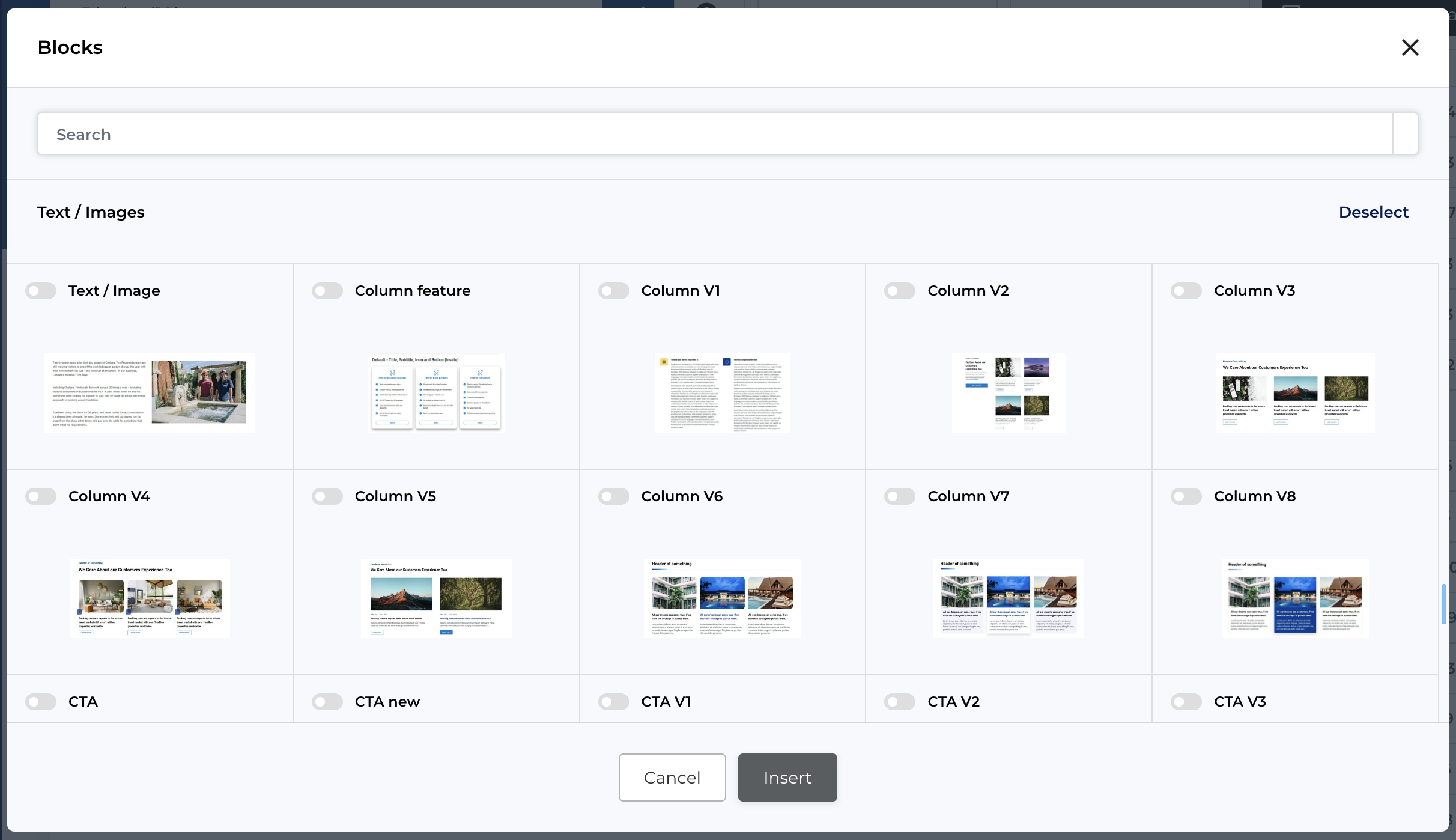
Text with images block category is quite self-explanatory. It includes blocks which would contain also imagery besides text. This imagery can be anything - icons, photos, illustration or video media files.
Text / Forms blocks
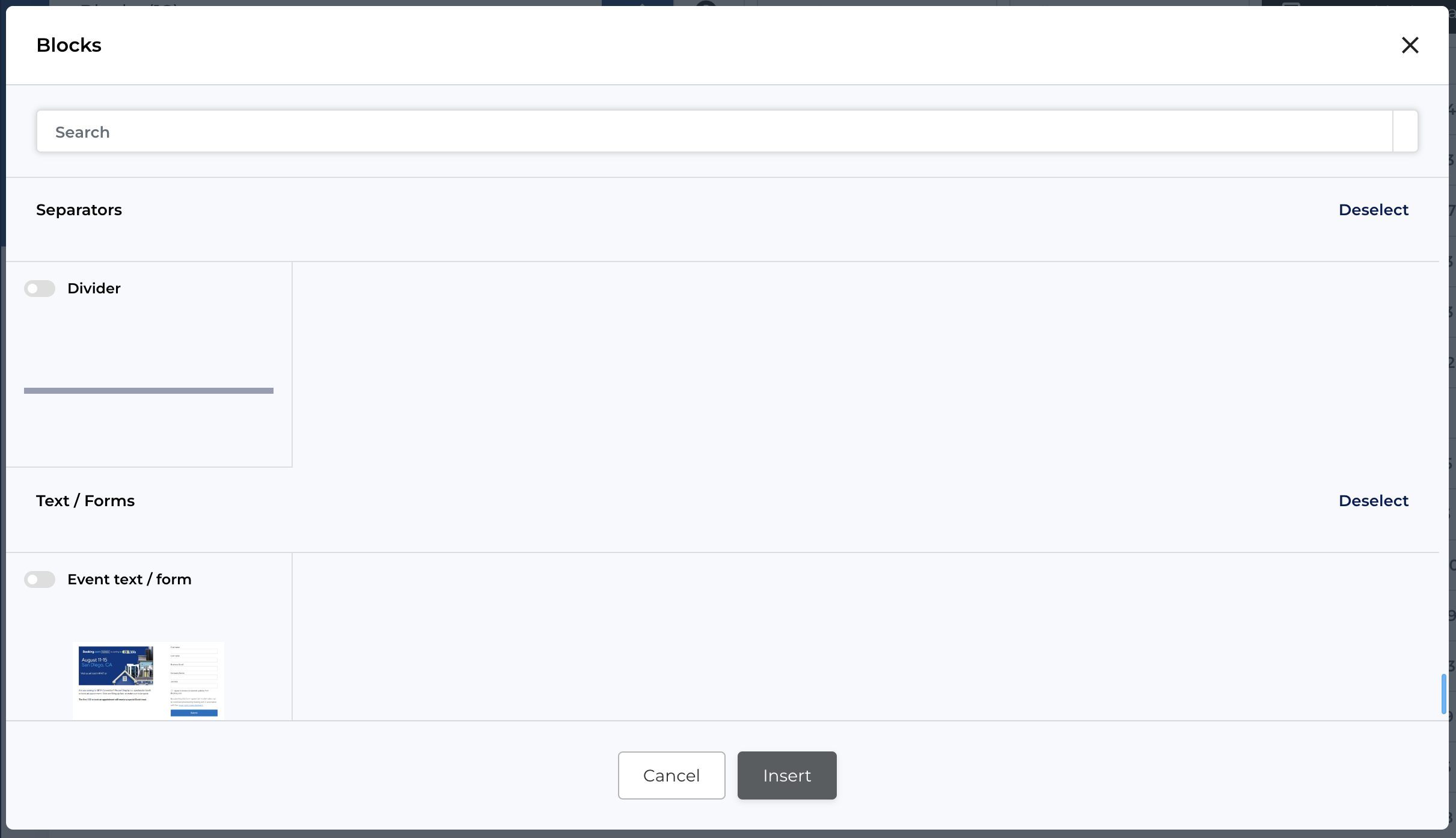
The Text / Forms blocks category features has only 1 block - a Event text / form, based on the name, it is clear that it consists of the form and some text / image.
Block composition
The block is composed out of 4 main sections:
- General
- Geo
- Cookie
- Extra fields
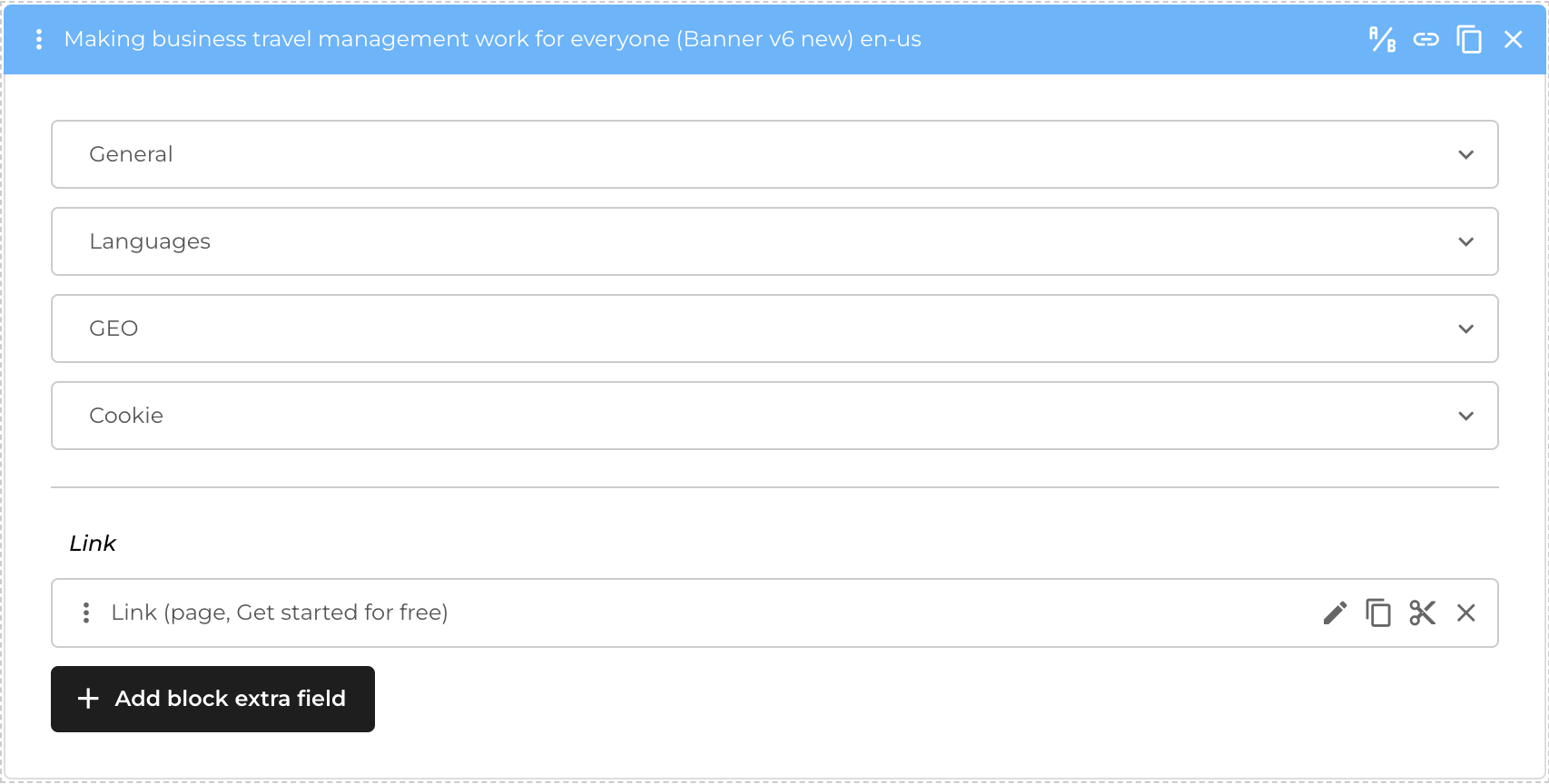
General section of blocks
The general section of blocks covers the content of the block. This section will be composed out of multiple fields (depending on the type of block) that would allow you to change the content
- Text
- Images
- Gallery
- Anything.
Also, it would include some settings as:
- Hash
- Additional spacing
- Display on mobile or desktop devices
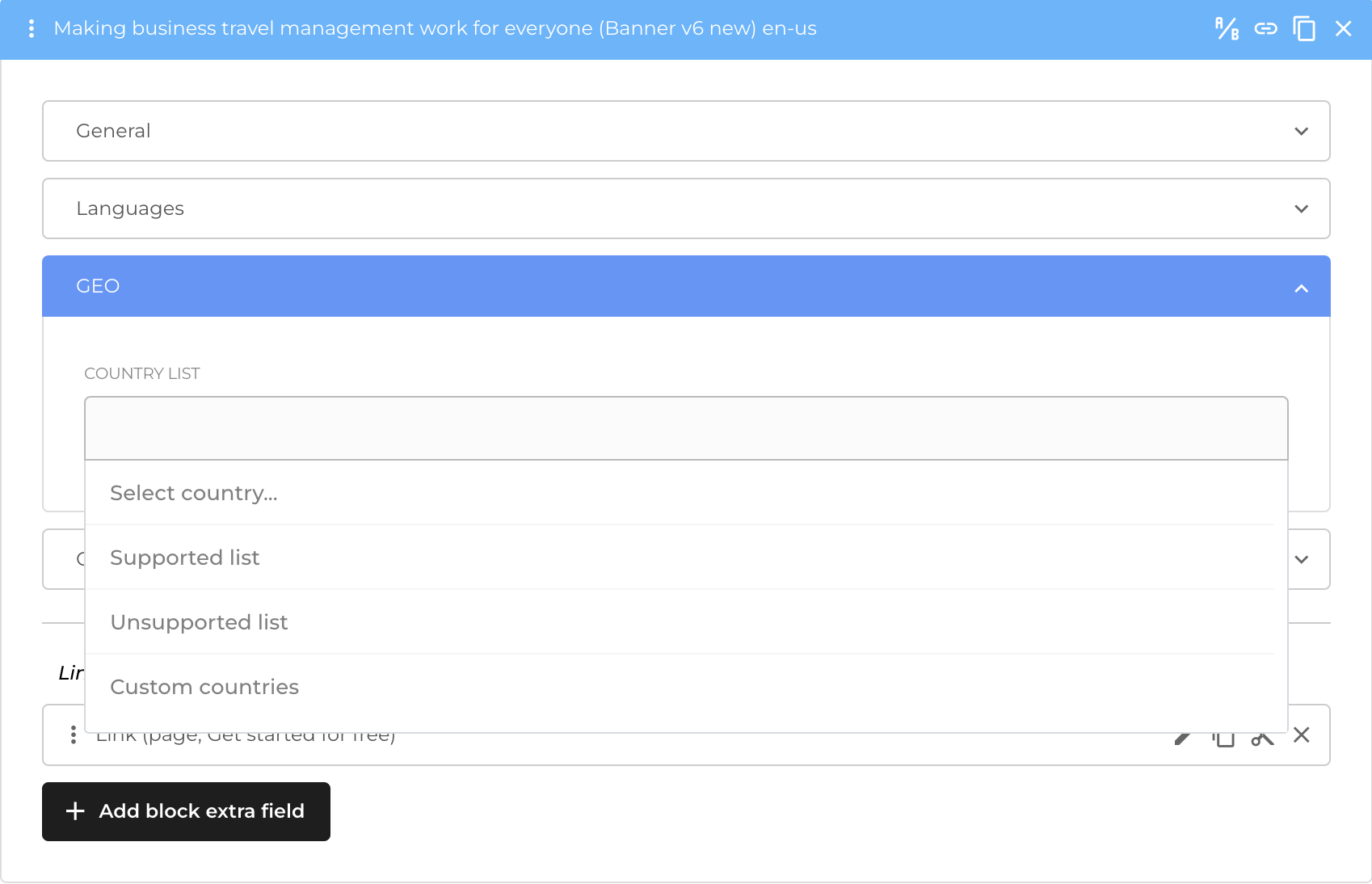
GEO section of blocks
The GEO (geolocation) section of the block allows you to set up the display of blocks depending on the region of the visitor.
In the separate section - Country list in the side menu of the admin panel - you can create multiple country lists that can be used in this specific section for limiting visits / views of this information from specific parts of the world.
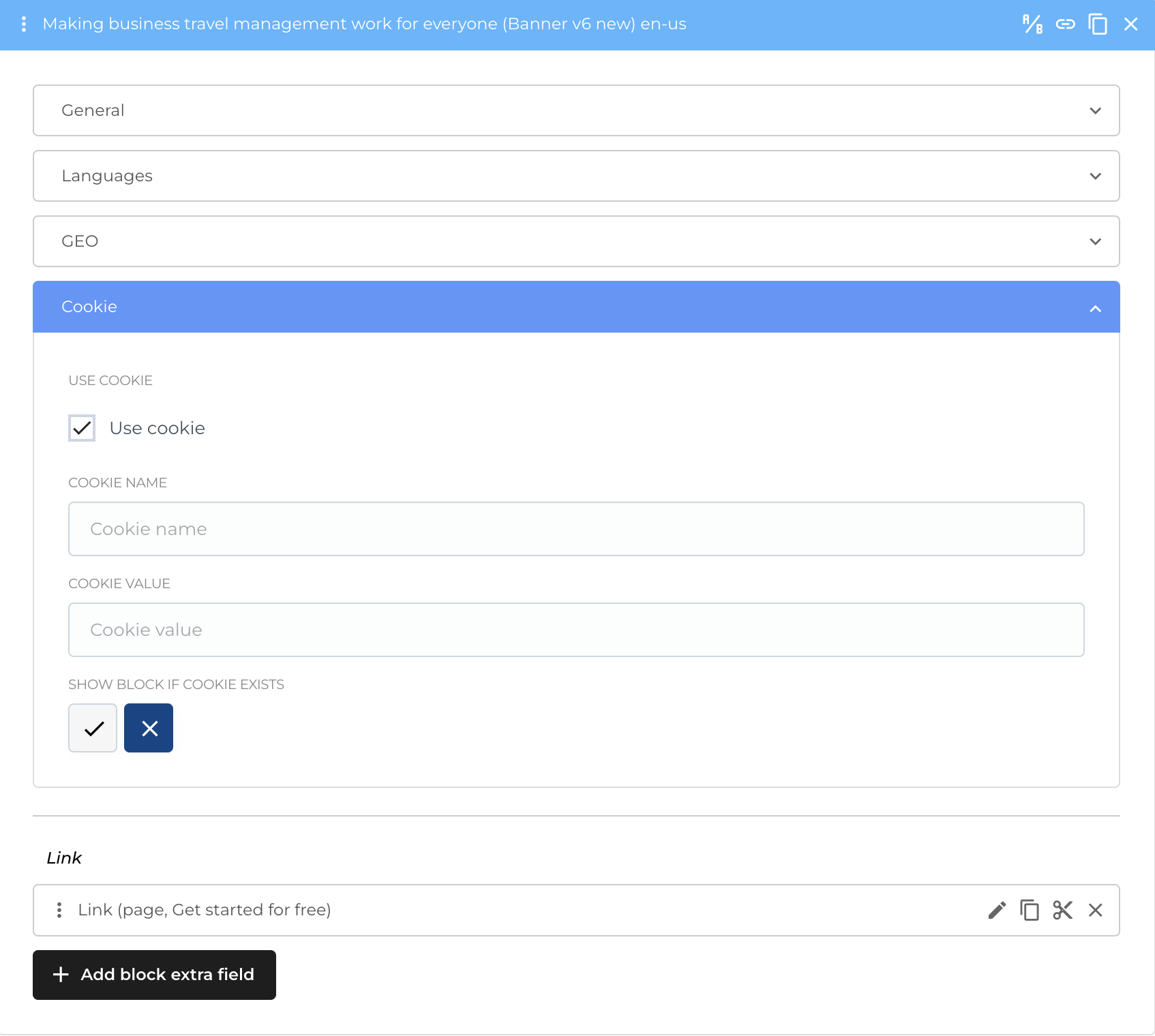
Cookie section of blocks
Cookie section of blocks is a place where you can configure cookies for blocks. You can hide the block in case a certain cookie is being present in the browser of the user or, conversely, show the block only if cookie is being present.
Request a new block to the website
Although the website usually will feature a maximum number of available block to use, in case of necessity - you can always request designing or implementing of new blocks that would feature new layout, workflows or logic in the website. You can do that by requesting it directly with the team of Rocket Minds. The average time for adding a new block, depending on complexity is of 2 days, but can be urgented.