Technical introduction
Dashboard
Languages & Translations
Pages
Blocks
Menus
Content
Libraries sections
MemSource Integration
Log actions
Configurations
Form requests
Form contact
AB service
Travel Policy Builder
Mouseflow
EBooks
Intro
eBooks section allows adding information about available eBooks, without actually providing a page for viewing the eBook, but will automatically be displayed on the Static Page /ebooks/.
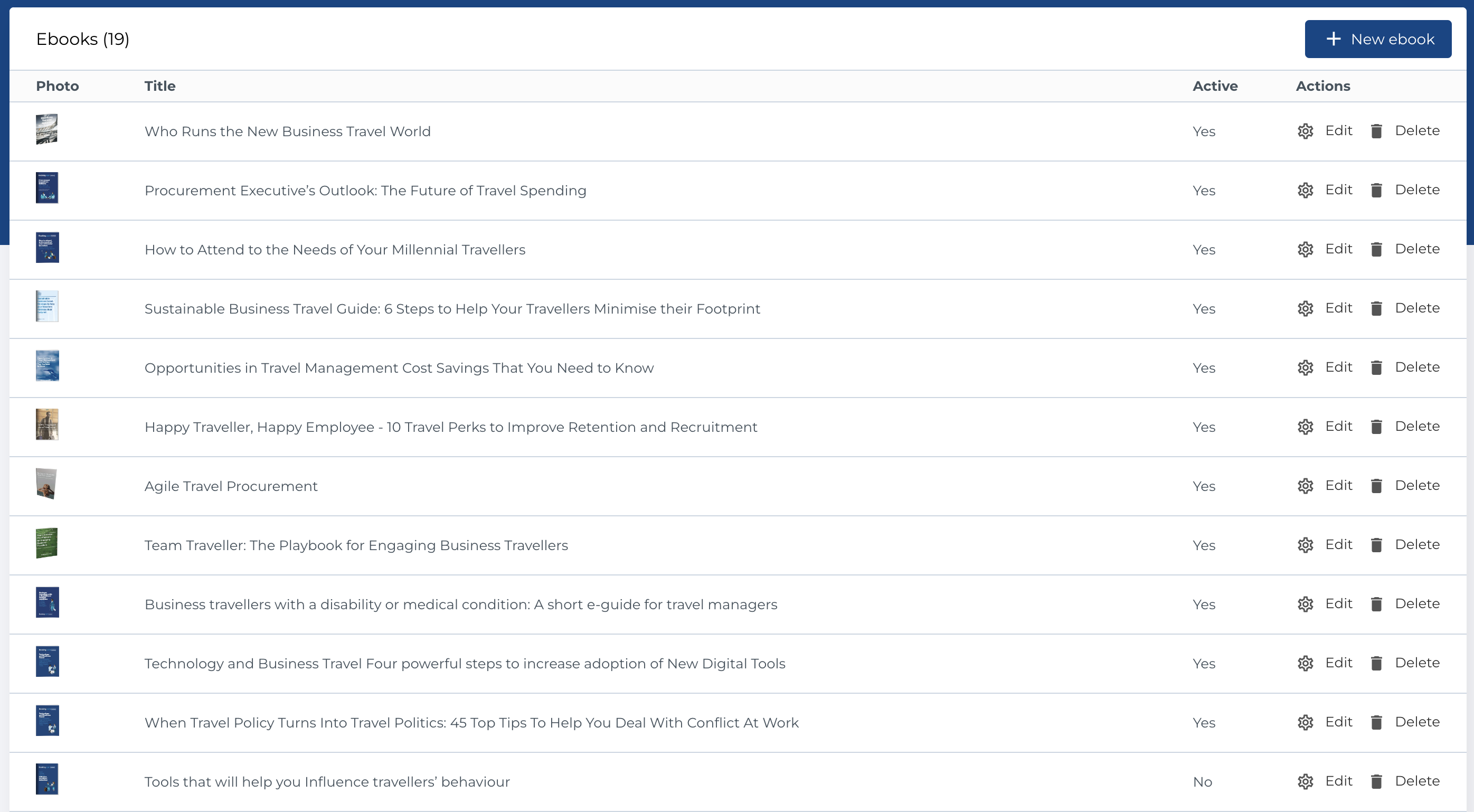
EBooks list
The section contains list of eBooks and has next columns:
- Photo: Image associated with the eBook.
- Title: The title of the eBook.
- Active: Indicates whether the eBook is active.
- Actions: Manage product updates.
Available Actions
- Create New Entity: Add a new eBook.
- Edit Existing Entity: Modify an existing eBook.
- Delete Entity: Permanently delete a eBook.
Create new eBook
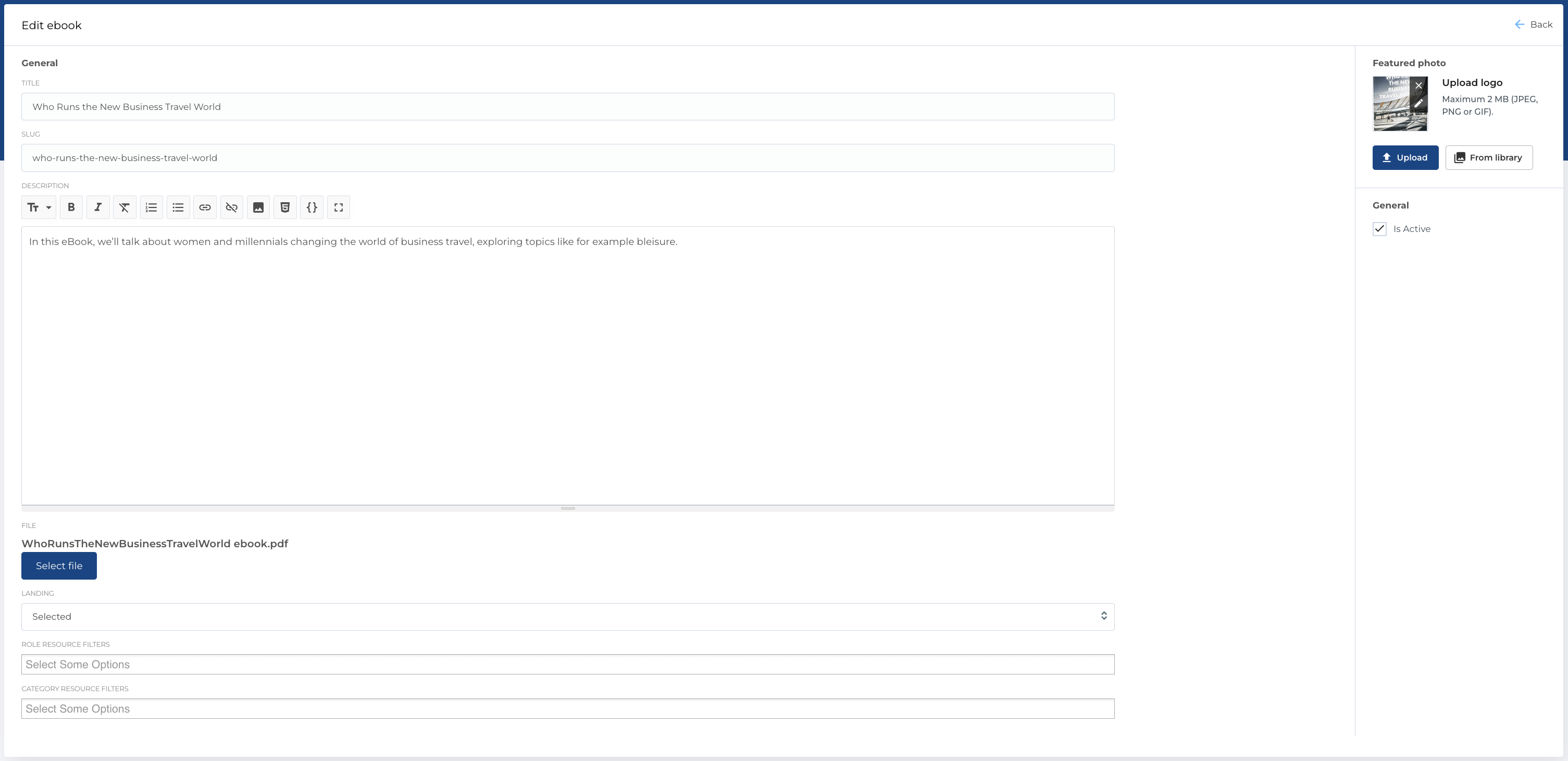
Form contains next fileds:
- Title: The title of the eBook.
- Slug: The slug of the eBook.
- Description: A Markdown-enabled field for the description.
- File: File selector from uploaded files.
-
Landing: Dropdown with page list of type
Landings. -
Role resource filters: Multiselect with resource filters of type
Role. -
Category resource filters: Multiselect with resource filters of type
Category. - Featured photo: Image picker for selecting a photo.
- Is Active: Checkbox to mark whether the eBook is active.
Required Fields
- Title
Edit form is same as this one.