Technical introduction
Dashboard
Languages & Translations
Pages
Blocks
Menus
Content
Libraries sections
MemSource Integration
Log actions
Configurations
Form requests
Form contact
AB service
Travel Policy Builder
Mouseflow
Page logs
Intro
The Page Logs section provides a detailed history of changes made to a page. By viewing these logs, you can easily track and review the field values before and after each modification.
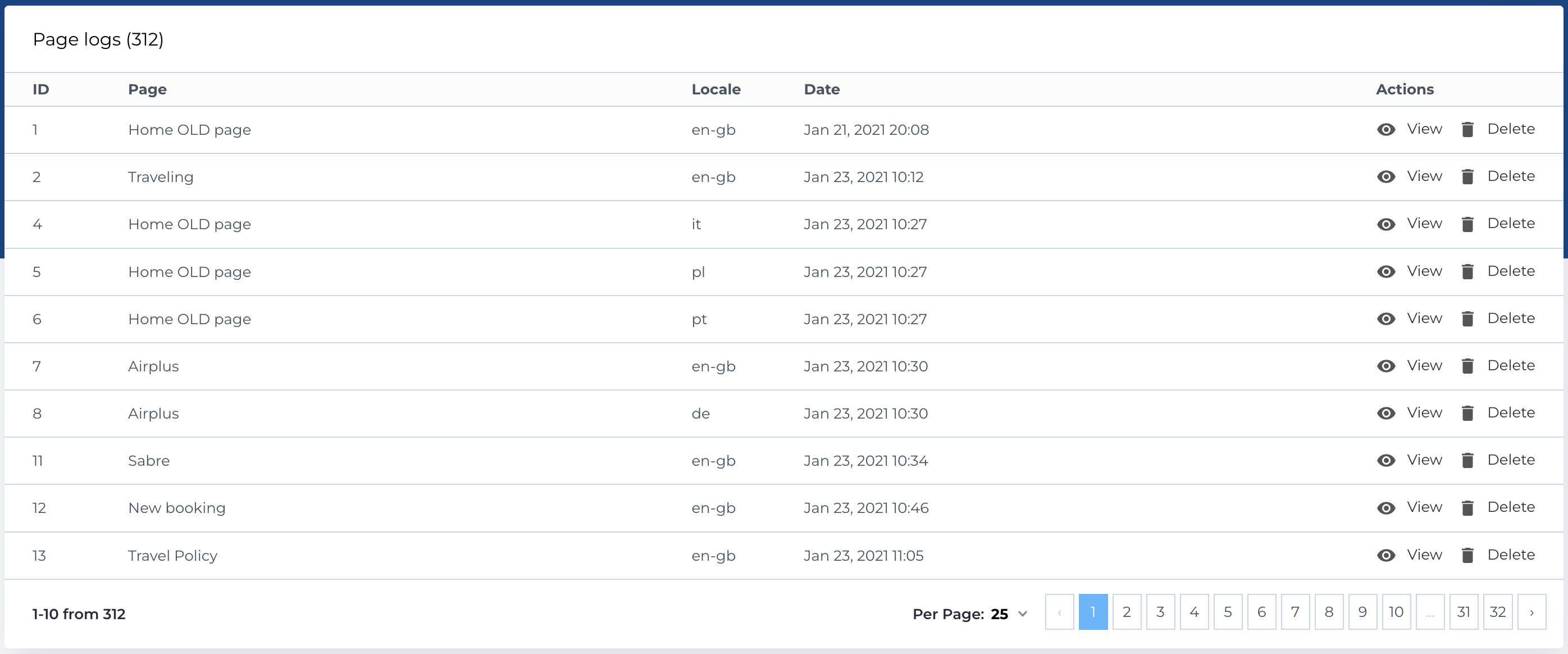
Page logs list
This section displays a table of page logs with the following columns:
- ID: Unique identifier for the log.
- Page: Page item.
- Locale: Modified locale of the page.
- Date: Date when log was created.
- Actions: Options to manage the logs.
Available Actions
- View entity: View log entity.
- Delete: Permanently delete a log.
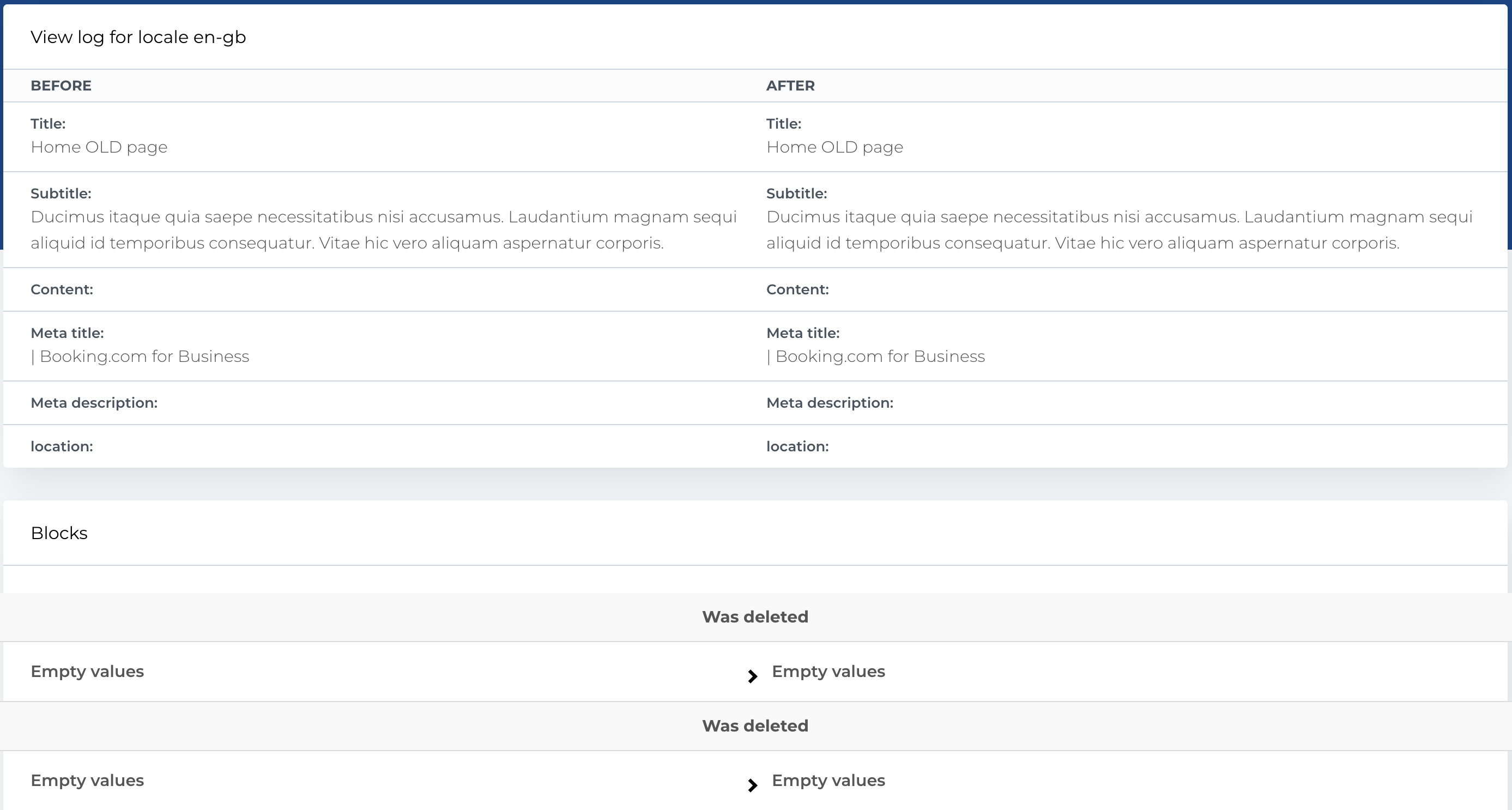
View log
On this page, you can view the field values of a page both before and after changes. This allows you to track and compare the modifications made to the page over time.