Technical introduction
Dashboard
Languages & Translations
Pages
Blocks
Menus
Content
Libraries sections
MemSource Integration
Log actions
Configurations
Form requests
Form contact
AB service
Travel Policy Builder
Mouseflow
IP Whitelist
Intro
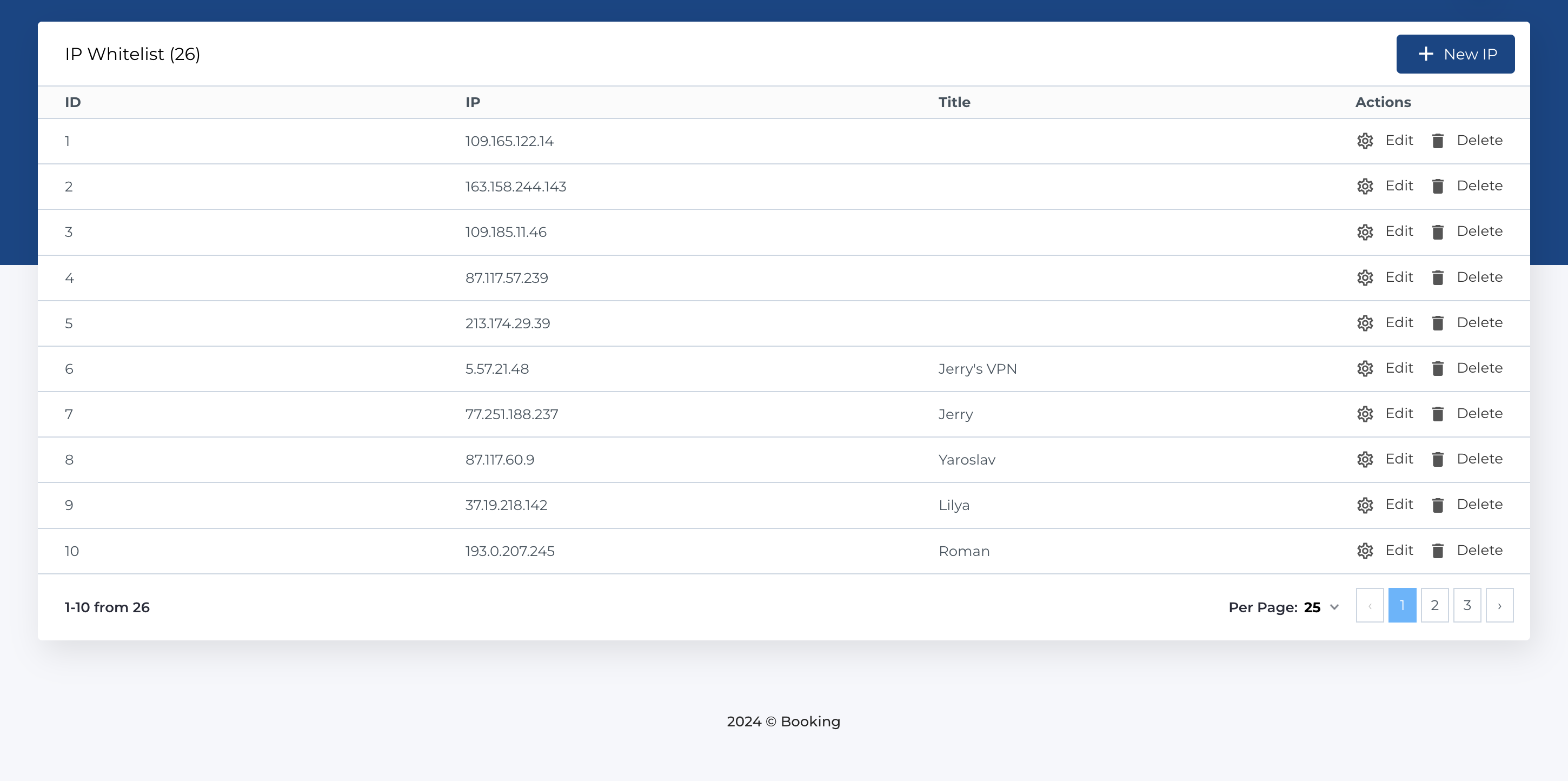
The IP Whitelist table determines whether users with specified IP addresses can access the CMS admin panel. For each IP address, you can assign a custom title to make searching and identifying the IP more convenient.
IP Whitelist
This section contains a list of whitelisted IP addresses and includes the following columns:
- ID: Unique identifier for the IP record.
- IP: The whitelisted IP address.
- Title: A custom title to identify the IP (e.g., "John Doe's IP").
- Actions: Manage the IP records.
Available Actions
- Create New: Add a new IP address to the whitelist.
- Edit: Modify an existing IP record.
- Delete: Remove an IP record from the whitelist.
Note: The form and validation rules for creating and editing records are the same.
Add new record
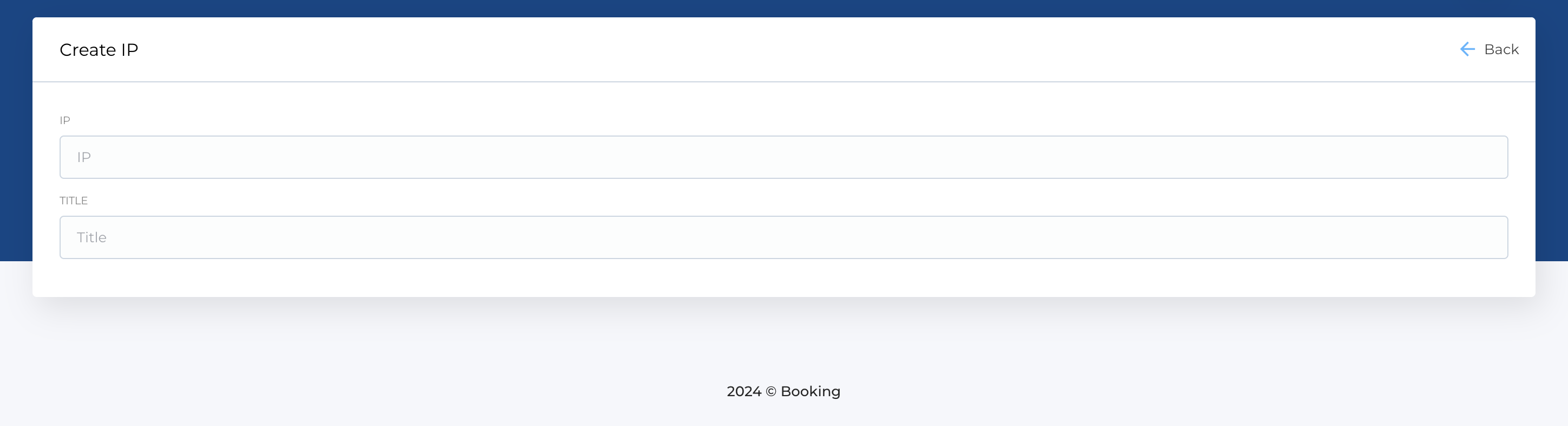
The form to create a new IP record contains the following fields:
- IP: The IP address to whitelist (e.g., 192.168.0.1).
- Title: A custom title to identify the IP (e.g., "John Doe's IP").
Required Fields
- IP