Technical introduction
Dashboard
Languages & Translations
Pages
Blocks
Menus
Content
Libraries sections
MemSource Integration
Log actions
Configurations
Form requests
Form contact
AB service
Travel Policy Builder
Mouseflow
Users list
Intro
In the CMS, we have users who can access the CMS admin panel and make changes depending on their user role. If you need to add a new manager, admin, or translator, you can do so in this section.
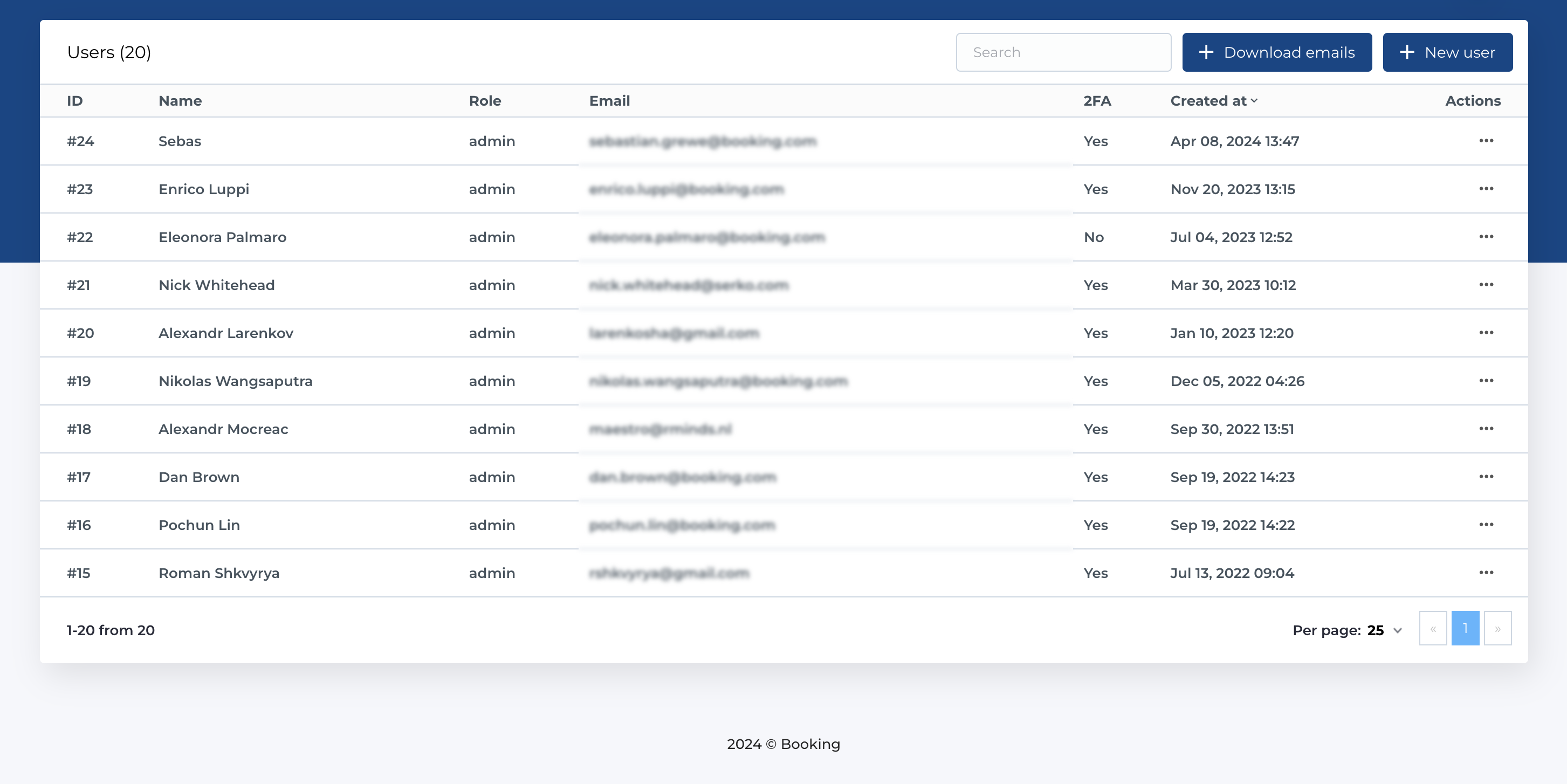
List of users
This section displays a list of users who have access to the admin panel of the CMS. The table contains the following columns:
- ID: Unique identifier for the user.
- Name: The user's name.
- Role: Specifies whether the user is an admin, editor, or translator.
- Email: The user's email address.
- 2FA: Indicates if two-factor authentication is enabled for the user (yes/no).
- Created At: The date when the user was created.
- Actions: Options to manage the user.
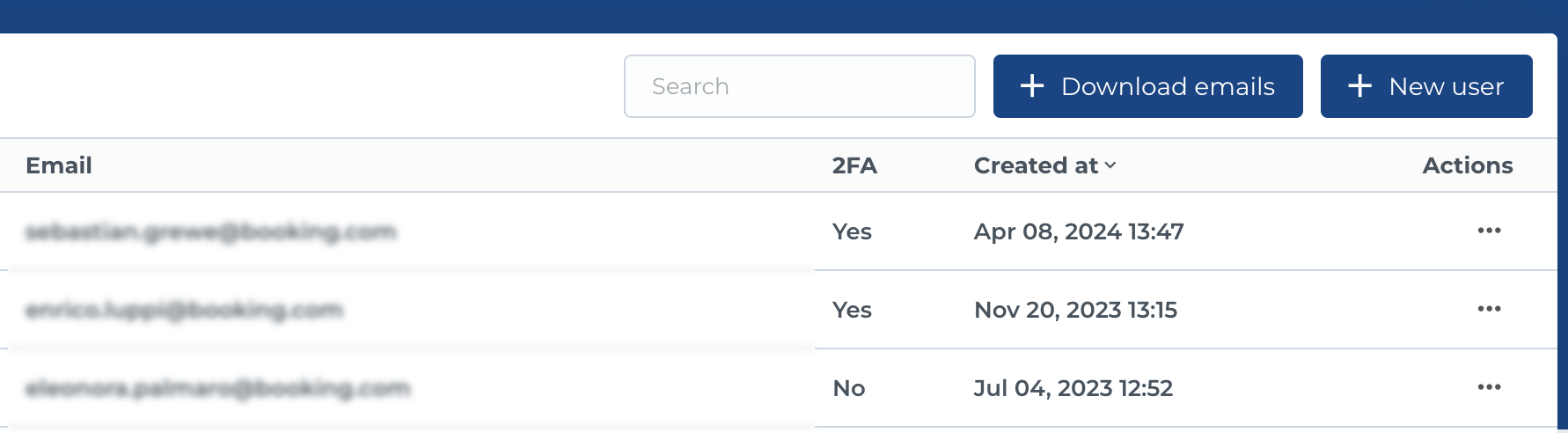
Actions on list
The users list allows for the following actions:
- Search: Search for users by name or email.
- Download Emails: Export the email addresses of users.
- Create New User: Use the "New User" button to open a form for creating a new user.
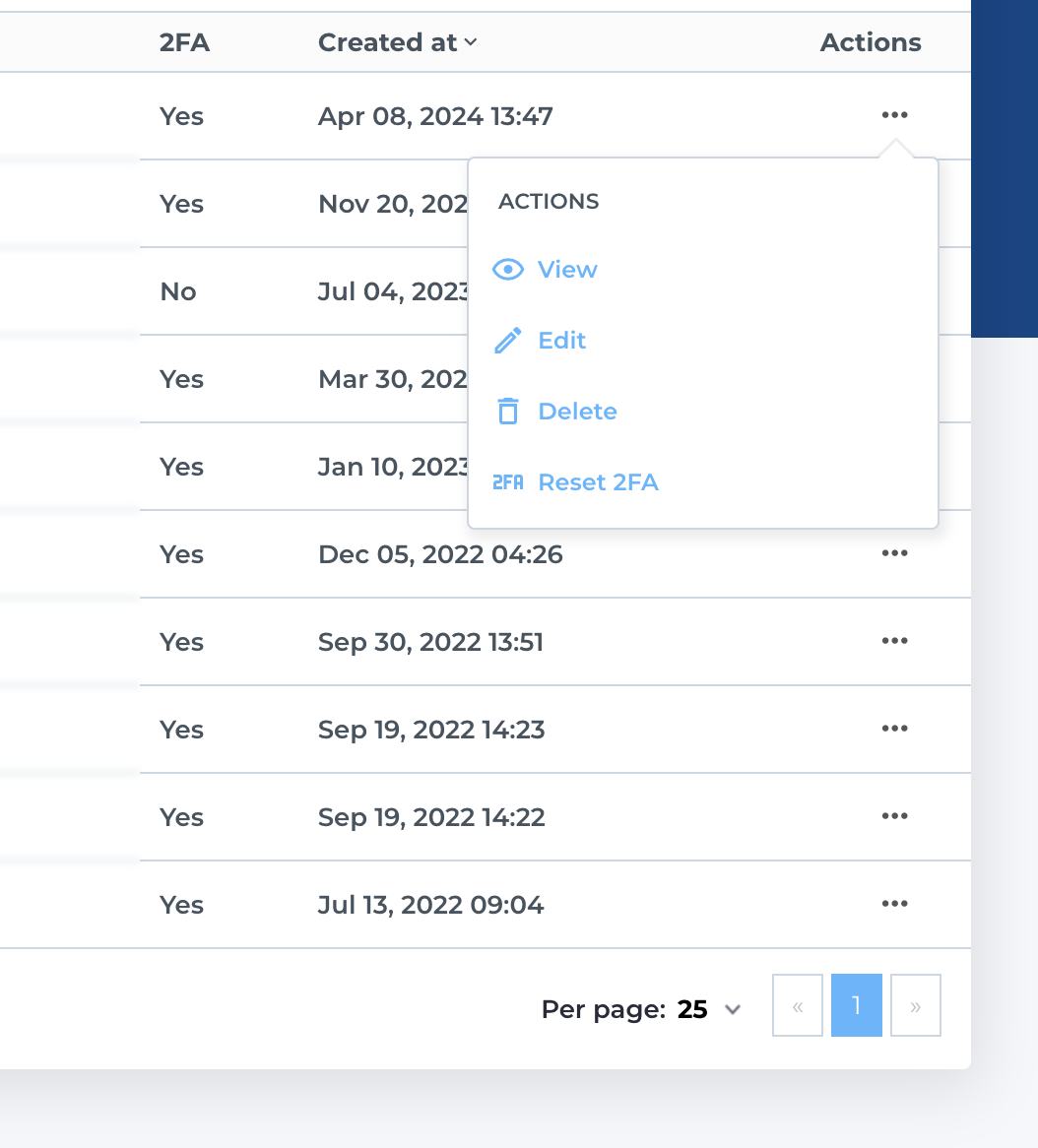
Actions on user in list
Each row in the users table offers the following actions for individual users:
- View: Open the user's details page.
- Edit: Modify the user's details.
- Delete: Remove the user.
- Reset 2FA: Reset two-factor authentication for the user if it's configured.