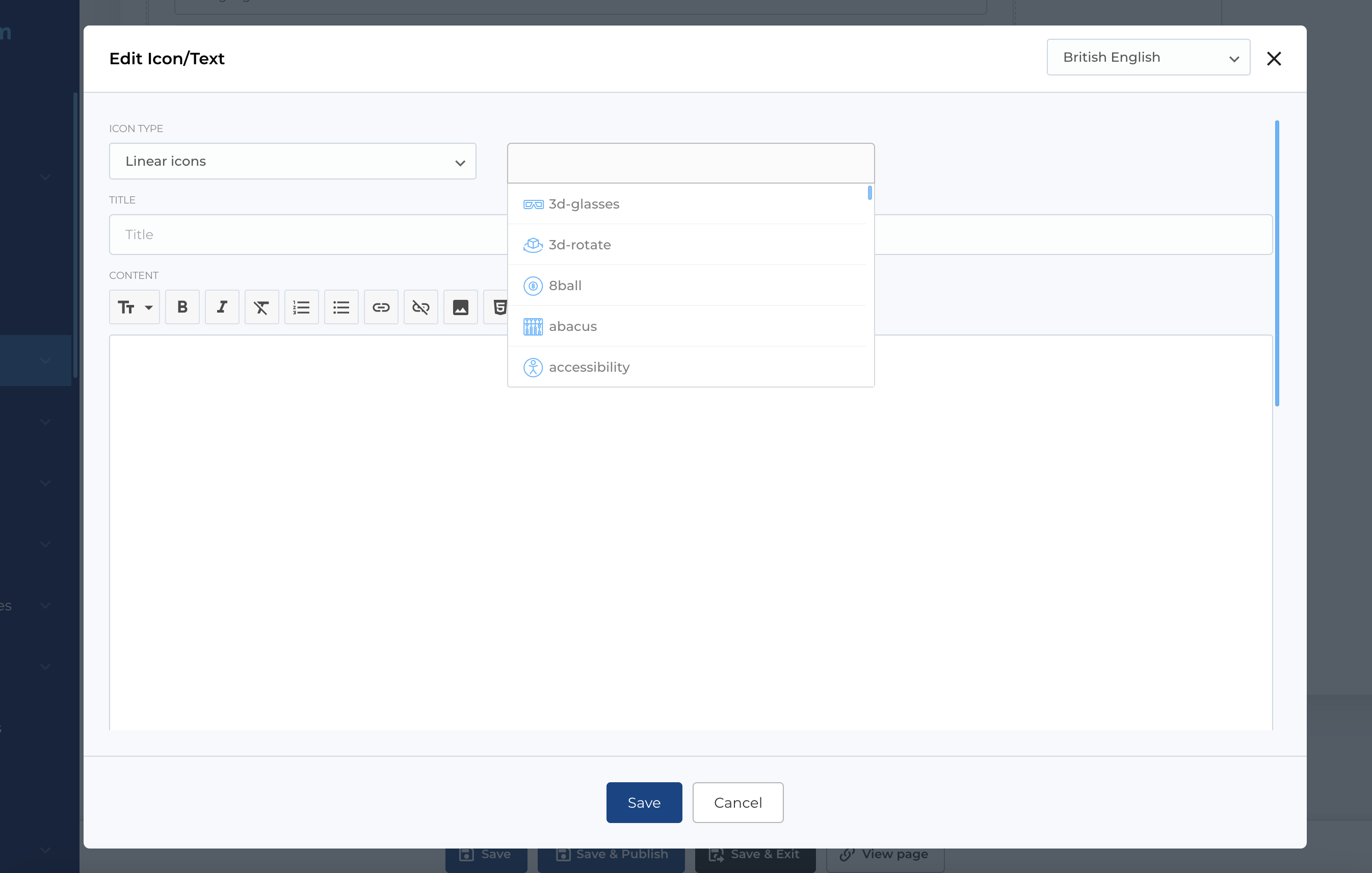
Icons
Intro
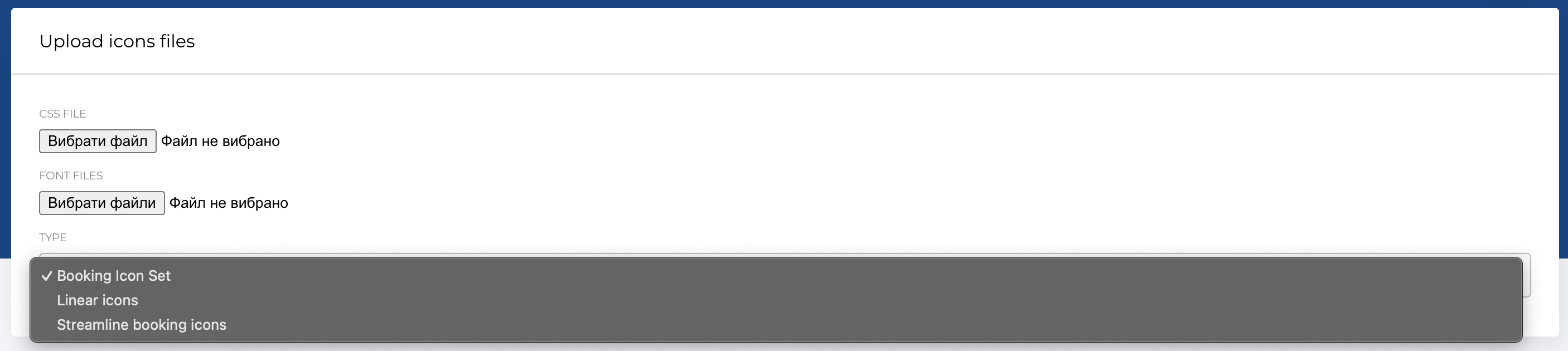
In the side menu on the admin panel we have a special section for uploading custom icon assets (css and font files) that can be embedded in the pages and links / buttons.
There are some types:
- Booking Icon Set
- Linear icons
- Streamline booking icons
To replace current with new assets yo need to upload css file (one) and font files (can be multiple).
Using icons in menu
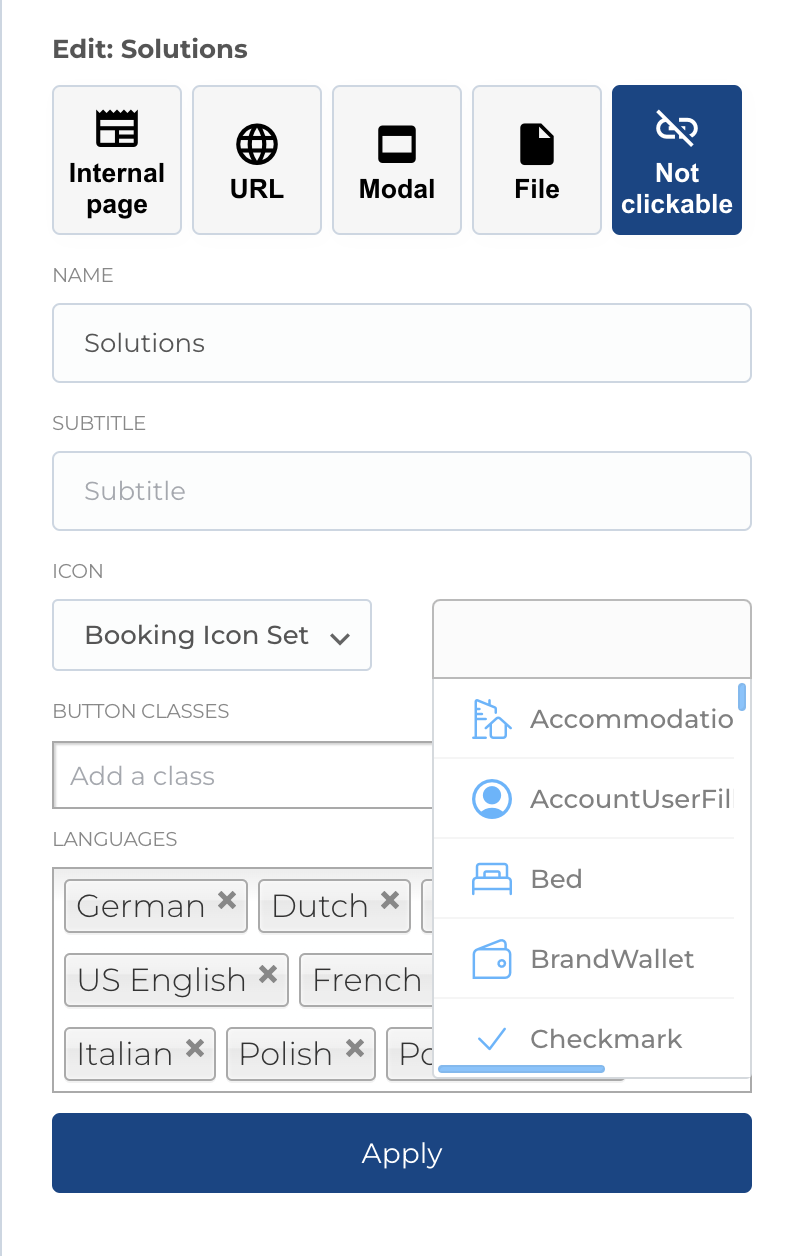
For some menu items like sub menu items (level 2) you can select icon, to display below menu item text link.
First you need to select icon type (Booking Icon Set, Linear icons, Streamline booking icons, Custom icons) and after dropdown with icons will be available
Using icons in blocks
Icon selection available for extra blocks like Icon/Text, Tab, Tab v2. As for menu item, first you need to select icon type (Booking Icon Set, Linear icons, Streamline booking icons, Custom icons) and after dropdown with icons will be available