Menu item configuration
- Intro #1
- Link types #2
- Link name #3
- Link subtitle #4
- Icon configuration #5
- Hash #6
- Open in a new tab #7
- Nofollow #8
- Button attribute ID #9
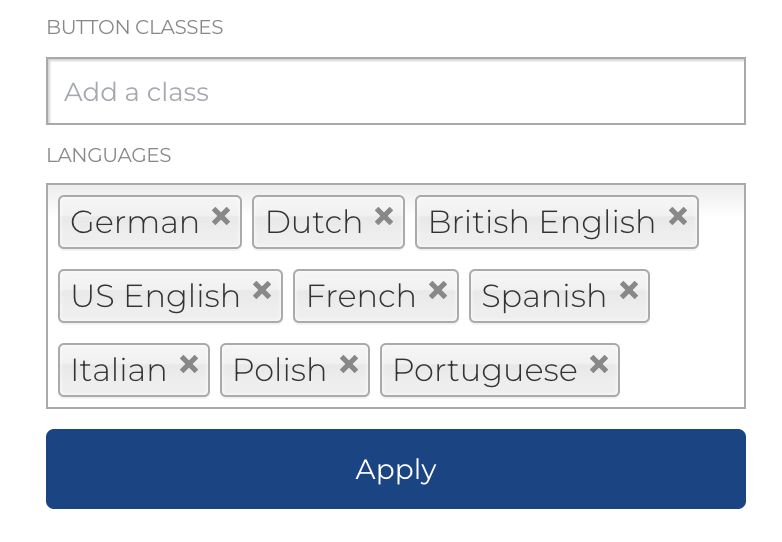
- Button classes #10
- Link / menu item language configuration #11
Intro
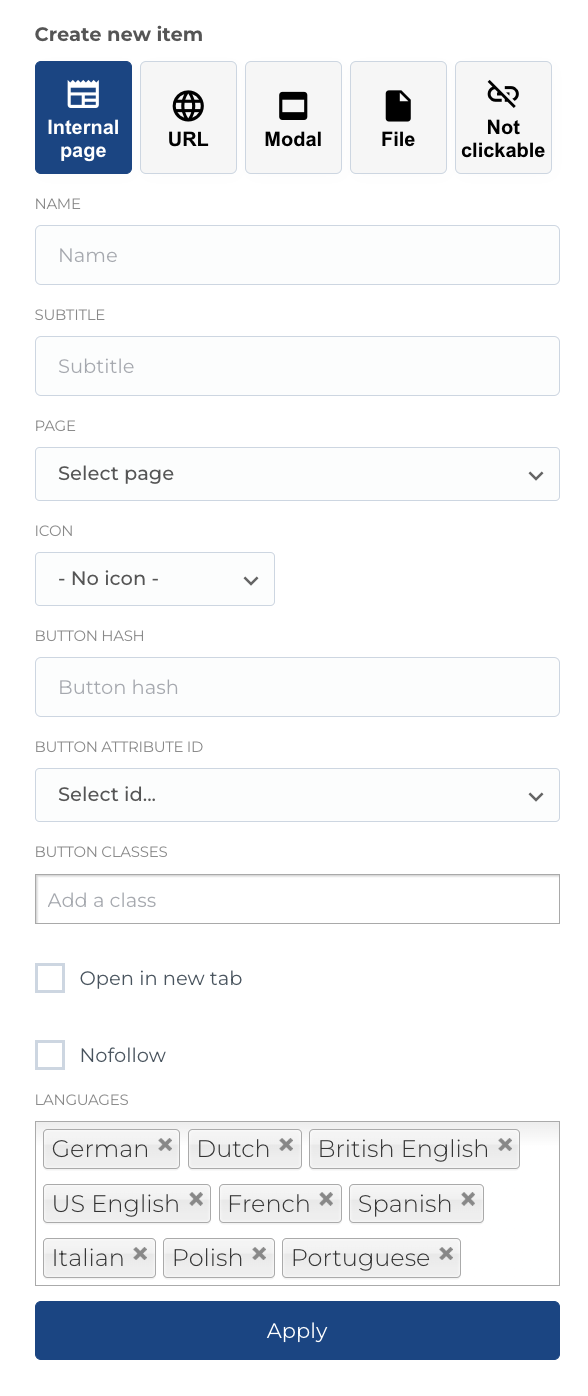
A sidebar for the configuration will be open, where we can configure the page. Configurations available are for:
- Link type
- Name
- Subtitle
- Page (if selected
Internal pagetype) - URL (if selected
URLtype) - Modal (if selected
Modaltype) - File (if selected
Filetype) - Icon configuration
- Button hash
- Button attribute ID
- Button classes
- Language configuration
- Nofollow
- Open in a new tab
After configuring - we need to press Apply to apply the changes
When we configurated all pages - we need to save all changes by clicking Save button in the bottom of the page
Link types
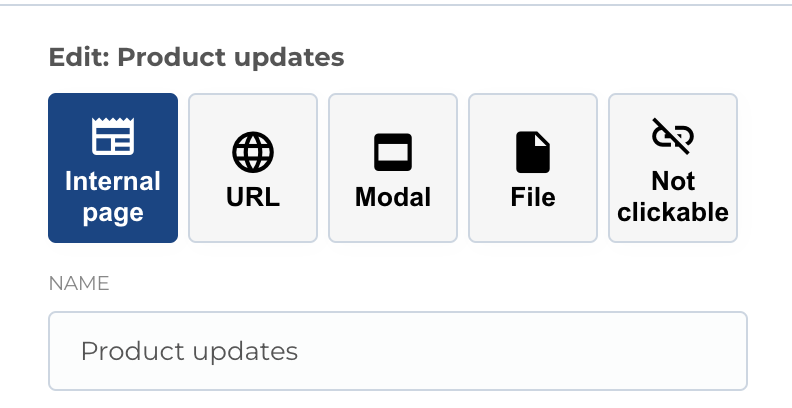
We have 5 link types that we can use throughout the website, including the menu items.
-
Internal page- allows you to link the button / link to an internal page that we have on the website -
URL- link to any external URL / website -
Modal- open a modal on the press of the button / link -
File- link it to 1 of the file in our file system -
Not clickable- makes menu item not clickable
Link name
By default, when you link to an internal page - the link will automatically take the internal page name (considering also the localization) and display it as the link name, but we have also an optional field Name which is used in several cases:
- When we link to an External URL
- When we link to a Modal
- When we link to a File
- When we want to
overwritethe page name in this Link
Link subtitle
Not being used in our case / design.
Icon configuration
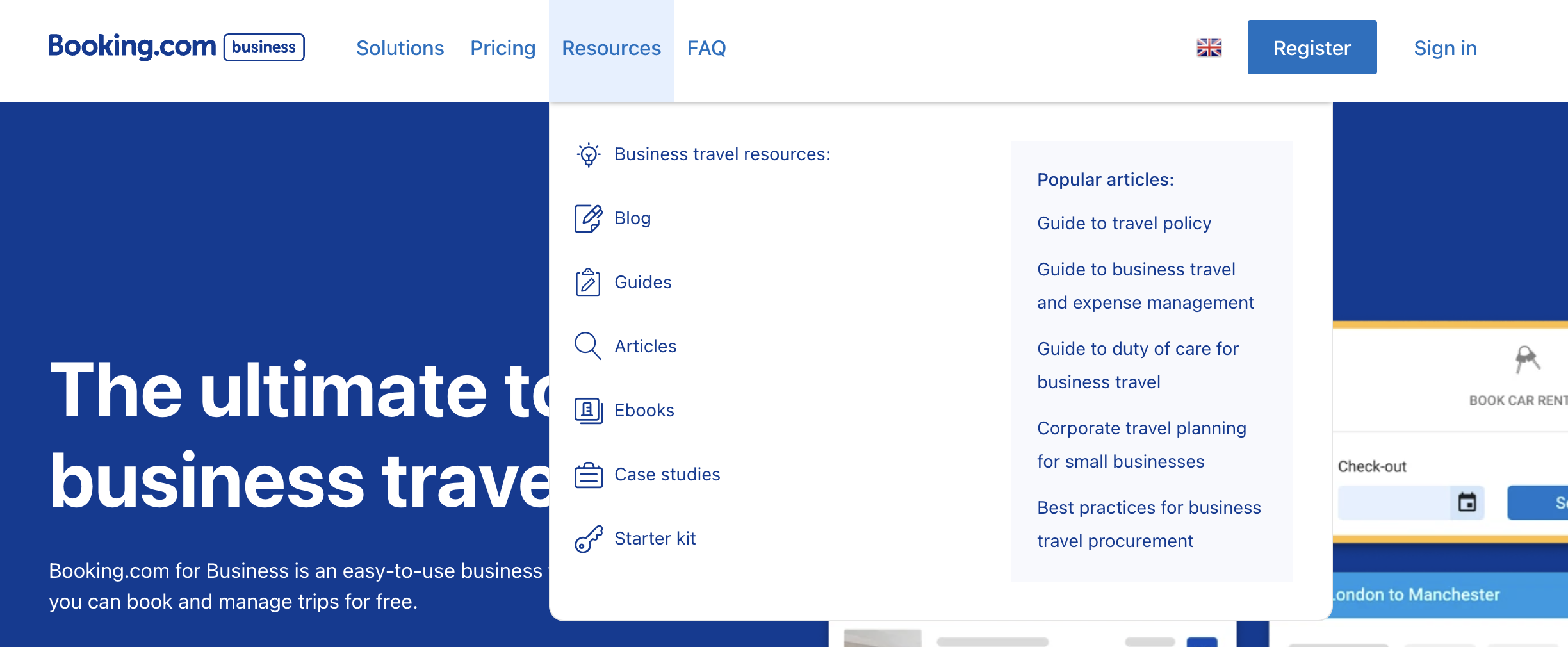
For some menu items (like sub-pages) you can configure icon, that will be displayed near menu item as displayed below. Next types available for icons:
- Booking Icon Set
- Linear icons
- Streamline booking icons
- Custom icons
After selecting type, you can select icon in next select.
Hash
Hash is an optional field used to append it's value to the internal page's URL, in order to link not to the page in general, but to a specific section of that page, which is configured on the block.
Open in a new tab
By checkmarking this option - you specify that this link (usually when used for external URLs) should open in a new tab, so our users do not leave the website unintentionally.
Nofollow
By checkmarking this option - you specify that this link will have rel="nofollow" attribute.
Button attribute ID
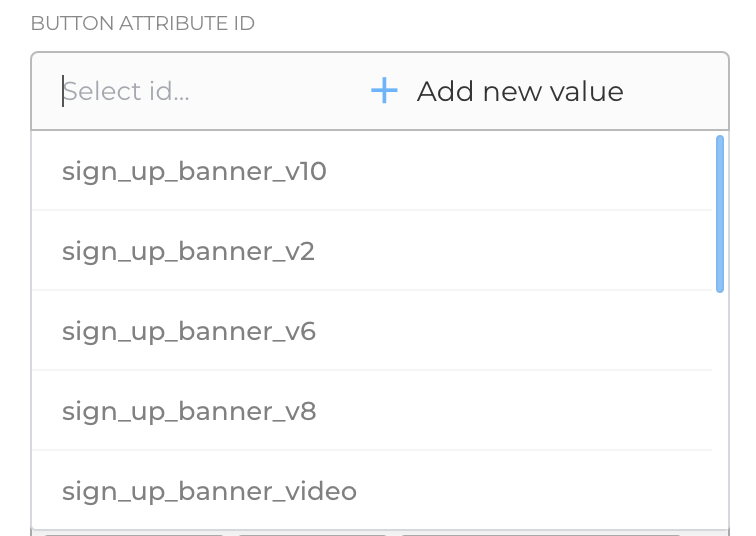
Custom ID attribute can be added to the link. You can select from already created IDs or add new one.
Button classes
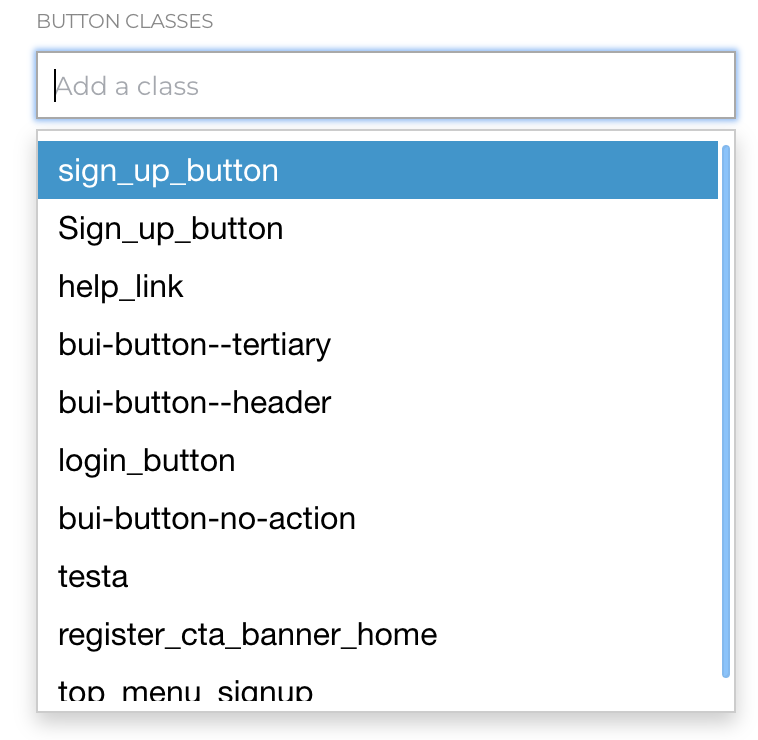
Some extra classes can be added to link or button. You can select from already created classes (for example if some classes was added to another menu item) or add new one.
Link / menu item language configuration
The language configuration of the menu item is used to hide or display this specific menu item for specific localization (language versions) of the website
Usecases for this will be when:
- A page is not available in a specific language
- A marketing page is not meant to be displayed in a certain location / certain audience
Same configuration can be applied to the whole menu, not only to the menu item