Technical introduction
Dashboard
Languages & Translations
Pages
Blocks
Menus
Content
Libraries sections
MemSource Integration
Log actions
Configurations
Form requests
Form contact
AB service
Travel Policy Builder
Mouseflow
HTML snippets
Intro
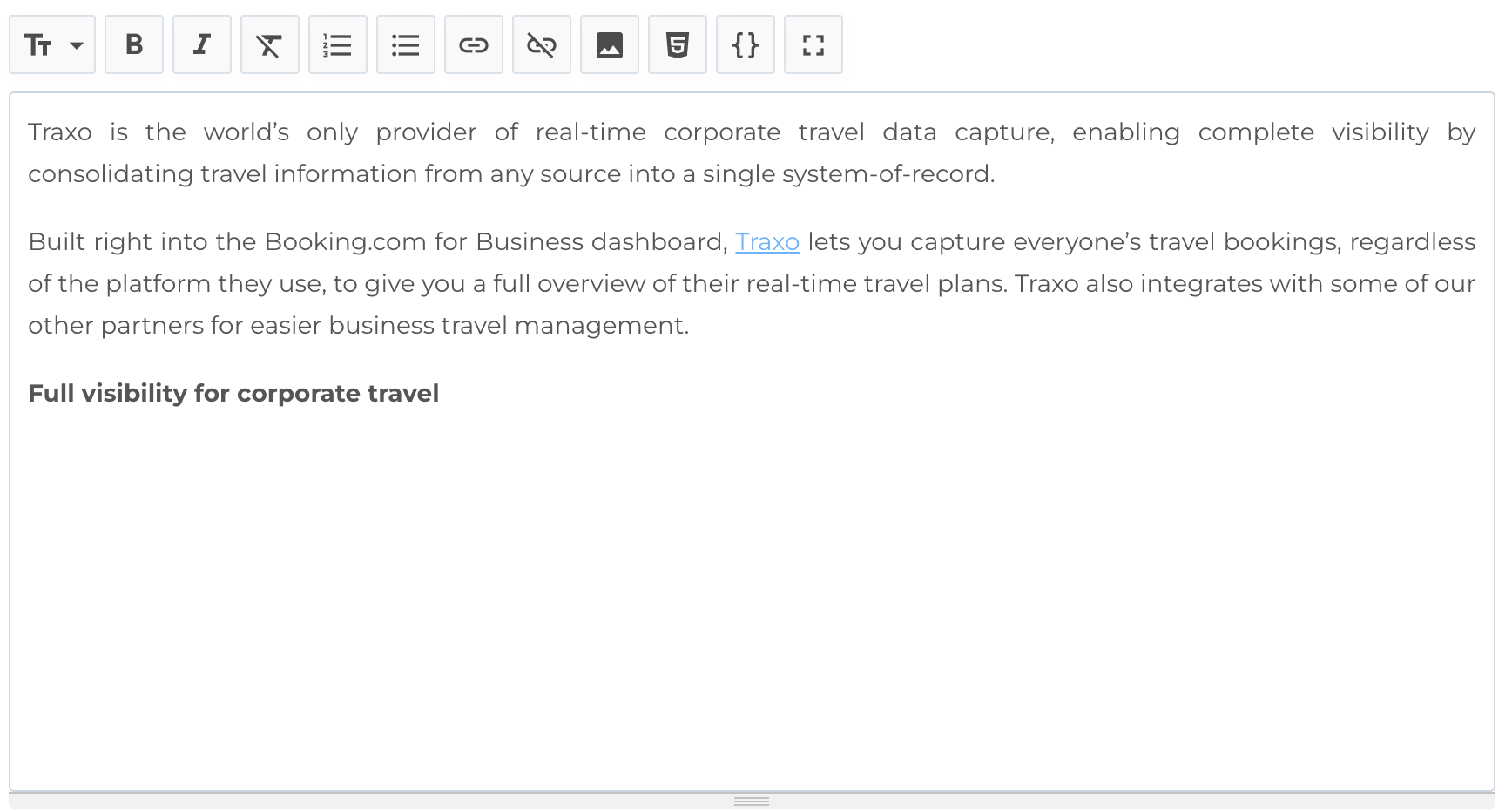
Sometimes you need to insert HTML code in content (in block or some entity like Partnership). With this section you can create HTML code (snippet) and after insert it in markdown editor by pressing icon HTML5. Modal will open and you can select existing snippet or create new one from modal.
HTML snippets list
This section displays a table of HTML snippets with the following columns:
- ID: Unique identifier for the snippet.
- Title: Snippet title.
- Embed code: Short code to insert snippet in markdown.
- Actions: Options to manage the logs.
Available Actions
- Search: Search by Title.
- Create New Entity: Add a new snippet.
- Edit existing entity: View snippet entity.
- Delete: Permanently delete a snippet.

Create new snippet
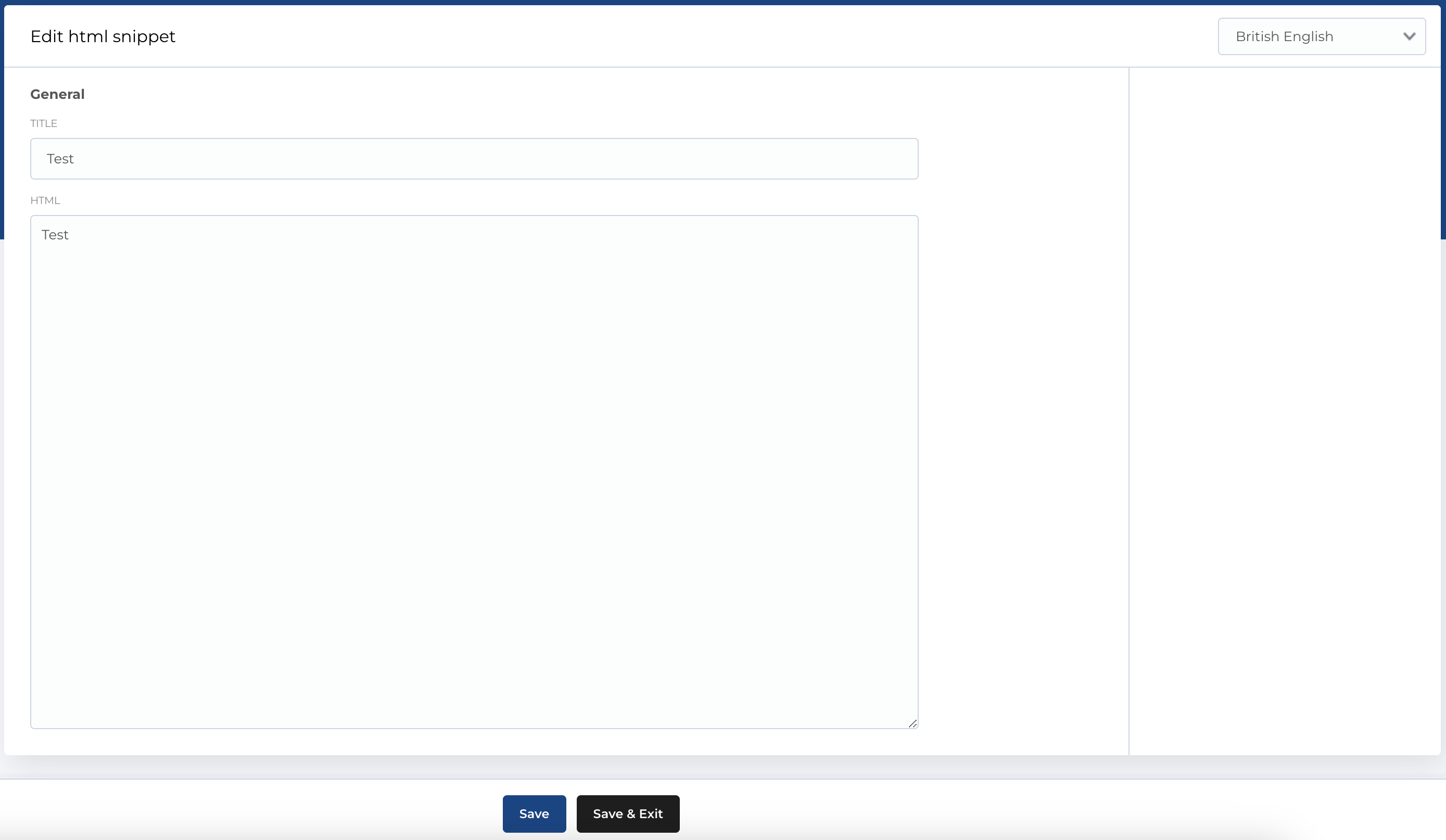
The form for creating a new HTML snippet contains the following fields:
- Title: The title of the snippet.
- HTML: Textarea where you can place your HTML code.
Required Fields
- Title
- HTML
The edit form follows the same structure.