Technical introduction
Dashboard
Languages & Translations
Pages
Blocks
Menus
Content
Libraries sections
MemSource Integration
Log actions
Configurations
Form requests
Form contact
AB service
Travel Policy Builder
Mouseflow
Menu A/B
Intro
Any menu can have A/B menu.
Create A/B menu
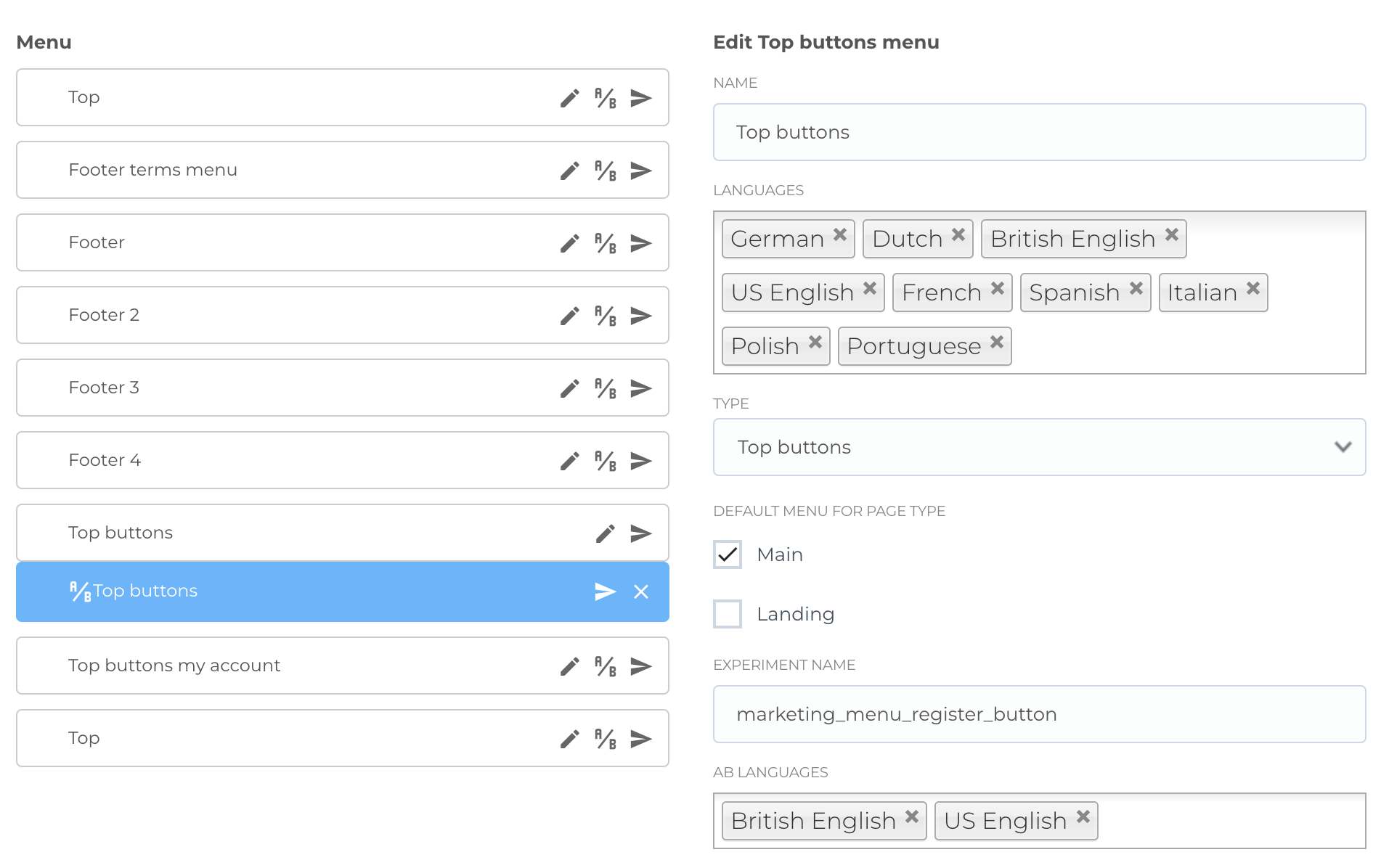
You can create A/B menu by clicking A/B icon on menu in the list. This will create duplicate of menu with all items and will place it under menu in list.
Also you can delete this A/B menu by clicking cross icon for this A/B menu.
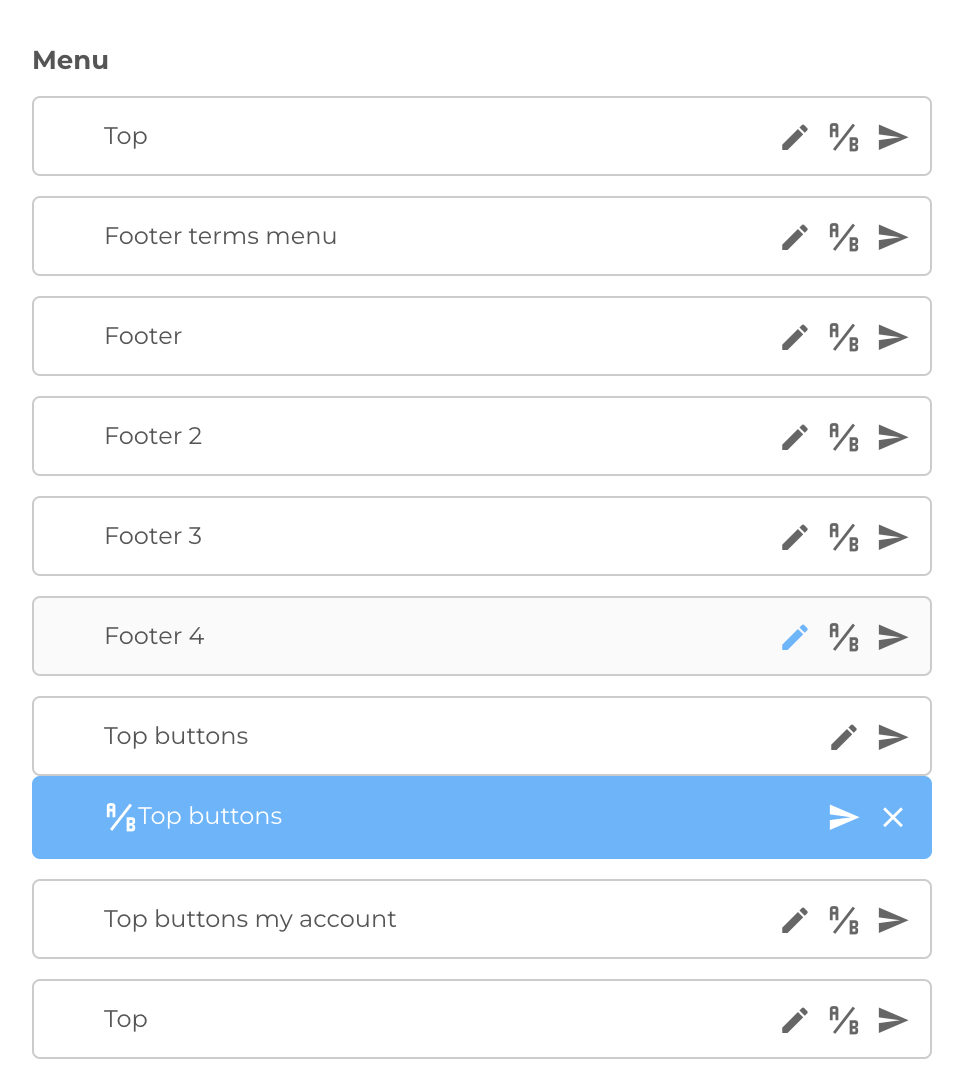
After creating A/B menu some new configurations will be available in base menu (you can edit them by clicking Edit icon in base menu):
- Experiment name
- Ab languages
if the conditions are met (site language exists in confiuguraton list and A/B test detected user by cookie) A/B menu will be shown to user.