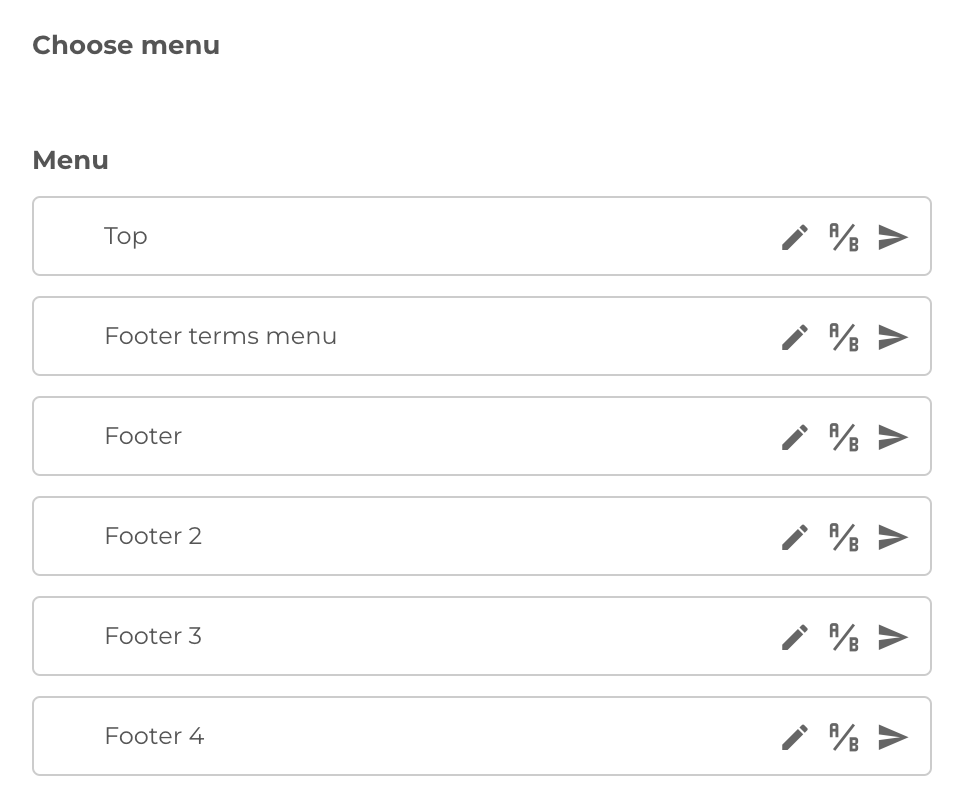
Menu configuration
Intro
The menu is not widely configurable, but has some interesting options applicable.
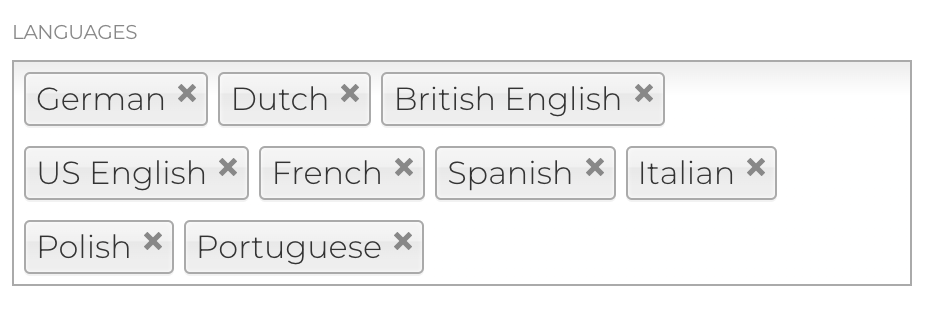
Menu language configuration
The language configuration of the menu item is used to hide or display this specific menu item for specific localization (language versions) of the website
Usecases for this will be when:
- All pages from the menu are not available in a specific language
- A marketing menu is not meant to be displayed in a certain location / certain audience
Sending menu to MemSource
MemSource is the Translation portal integration for the B4B website. Besides sending pages to be translated in MemSource, we can also send the list of links from the menu.
You can send all menus or single menu to MemSource.
All menus
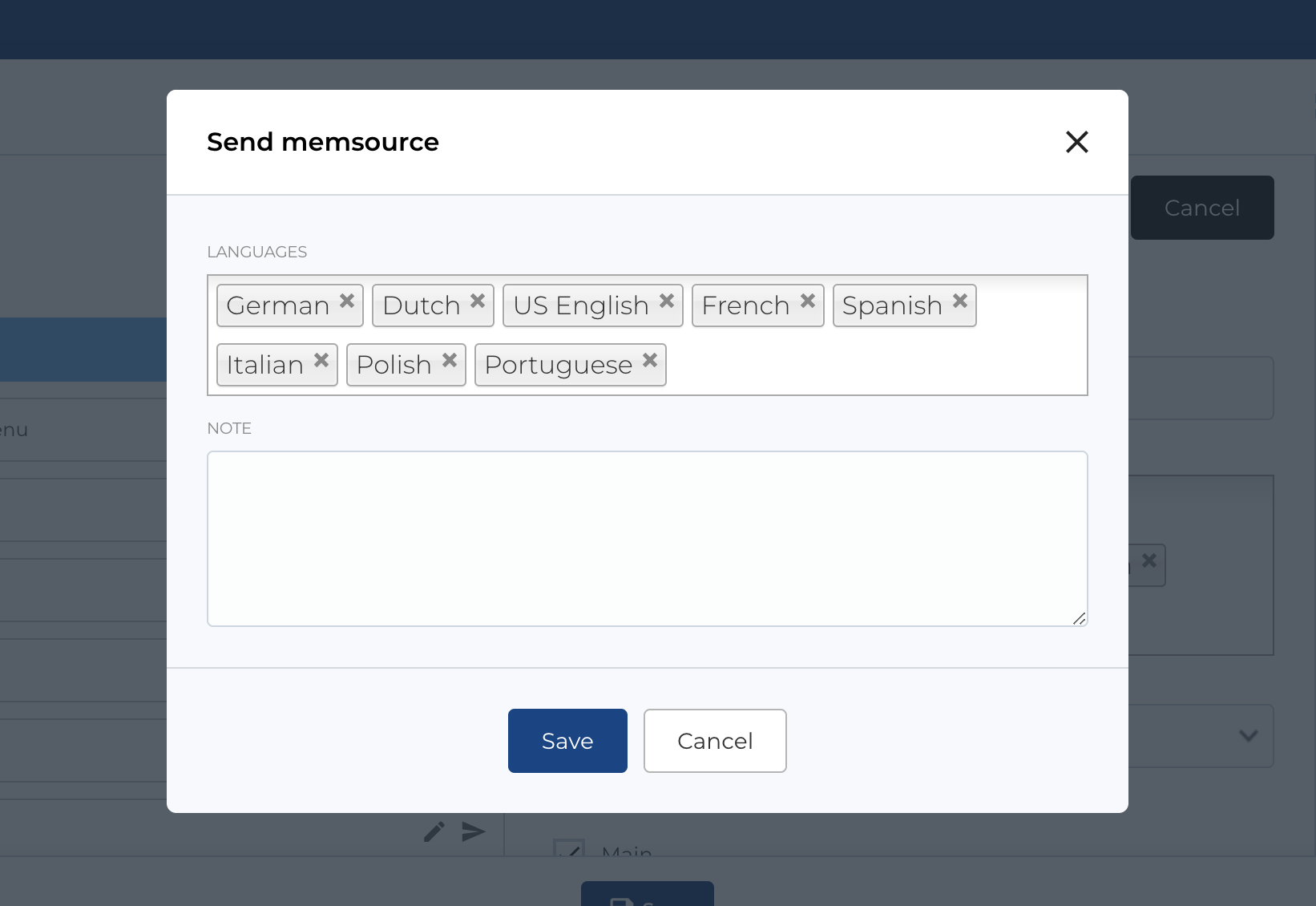
After clicking Send all to memsource link in the top of page, a modal will open and some configurations will be available.
You can specify menu translation languages and add comment in Note fields, whitch will be sent to MemSource
Single menu
To send single menu click last icon on menu (in the list, after Edit and A/B icons).
Same modal as for all menus will open and some configurations will be available.
You can specify menu translation languages and add comment in Note fields, whitch will be sent to MemSource