Custom events on blocks
Setting up custom event
Setup event on blocks
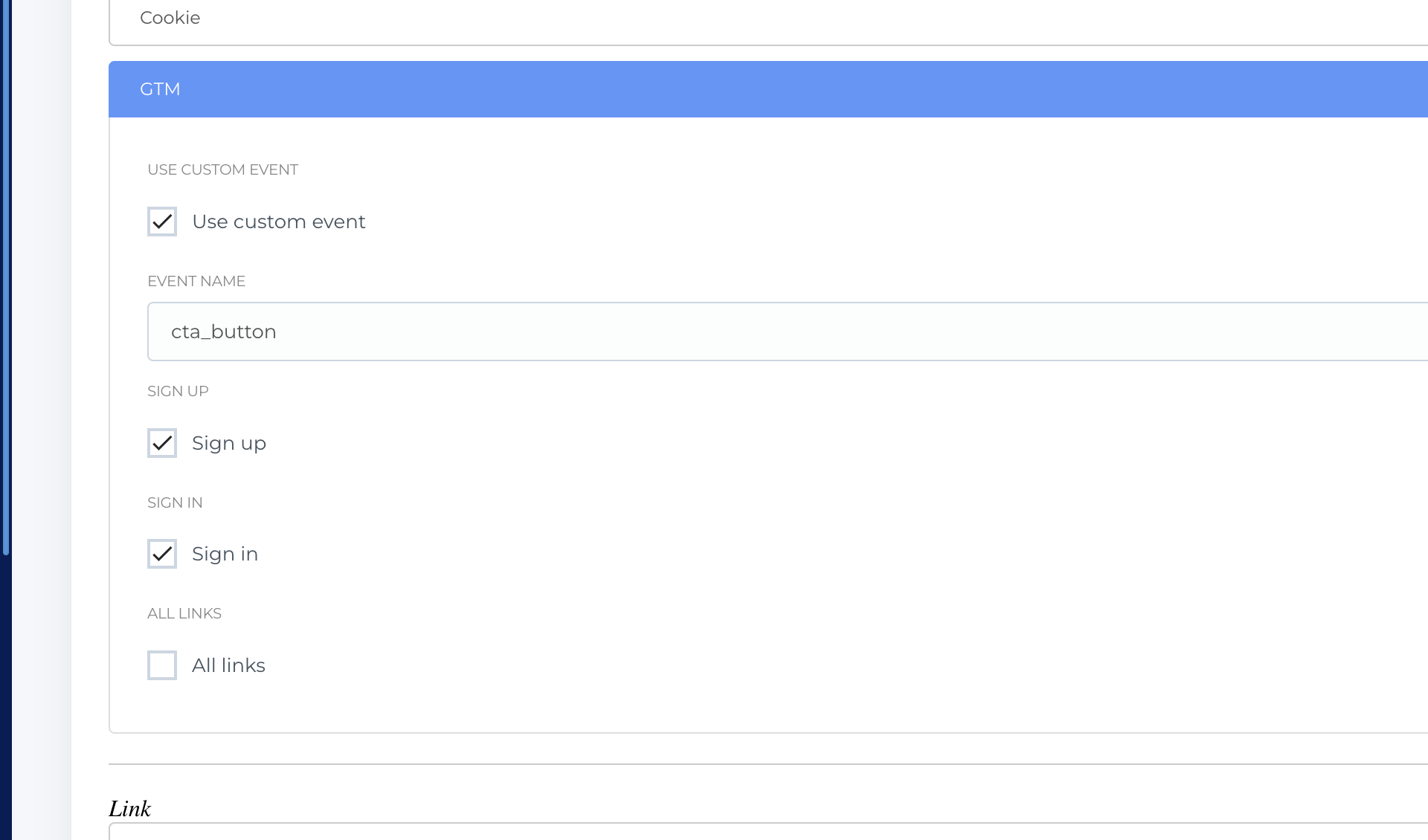
On each block, including the global blocks - we have a new section - called GTM. In this section - you can setup custom events on clicks of buttons within the block.
- Use custom event - enables the function
- Event name - field to enter the event name which should match with the event name on GTM and GA4
- Sign up / Sign in / All links - manages which type of buttons to track.
Alongside with the event - a DataLayer will send more information to GTM:
- Pagetype
- Locale
- AID
- Inpage_location
- Label (of button - en-gb version)
- Page_ID
Configurations in GTM
In GTM - you have to operate with the following elements:
- Tags
- Triggers
- Variables
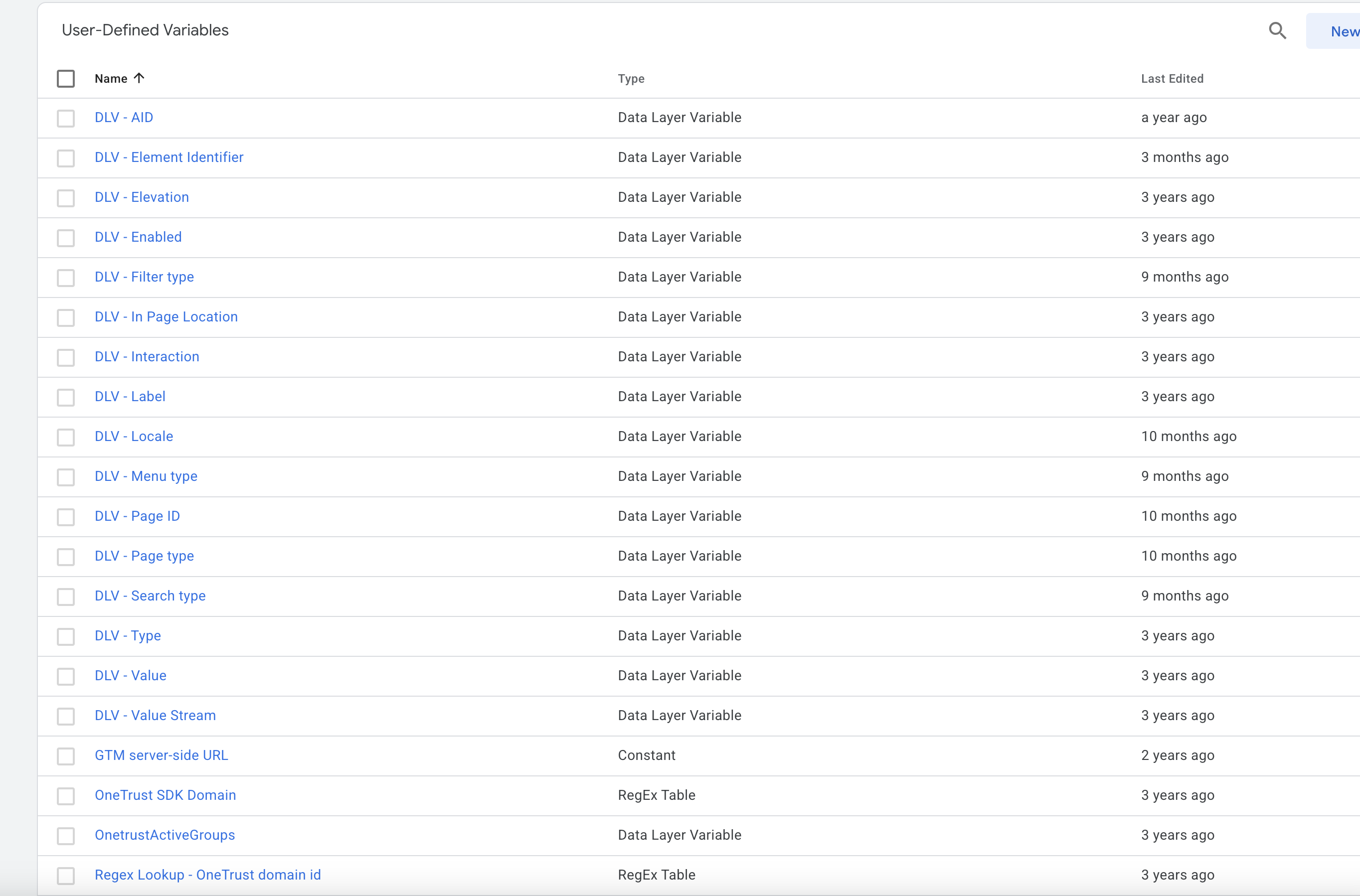
Variables
All required and used variables are already created in GTM, but you can add new ones if you will need (but for this - we have to send them also from the CMS via DataLayers. For now - you do not have to make anything here.
Setup triggers
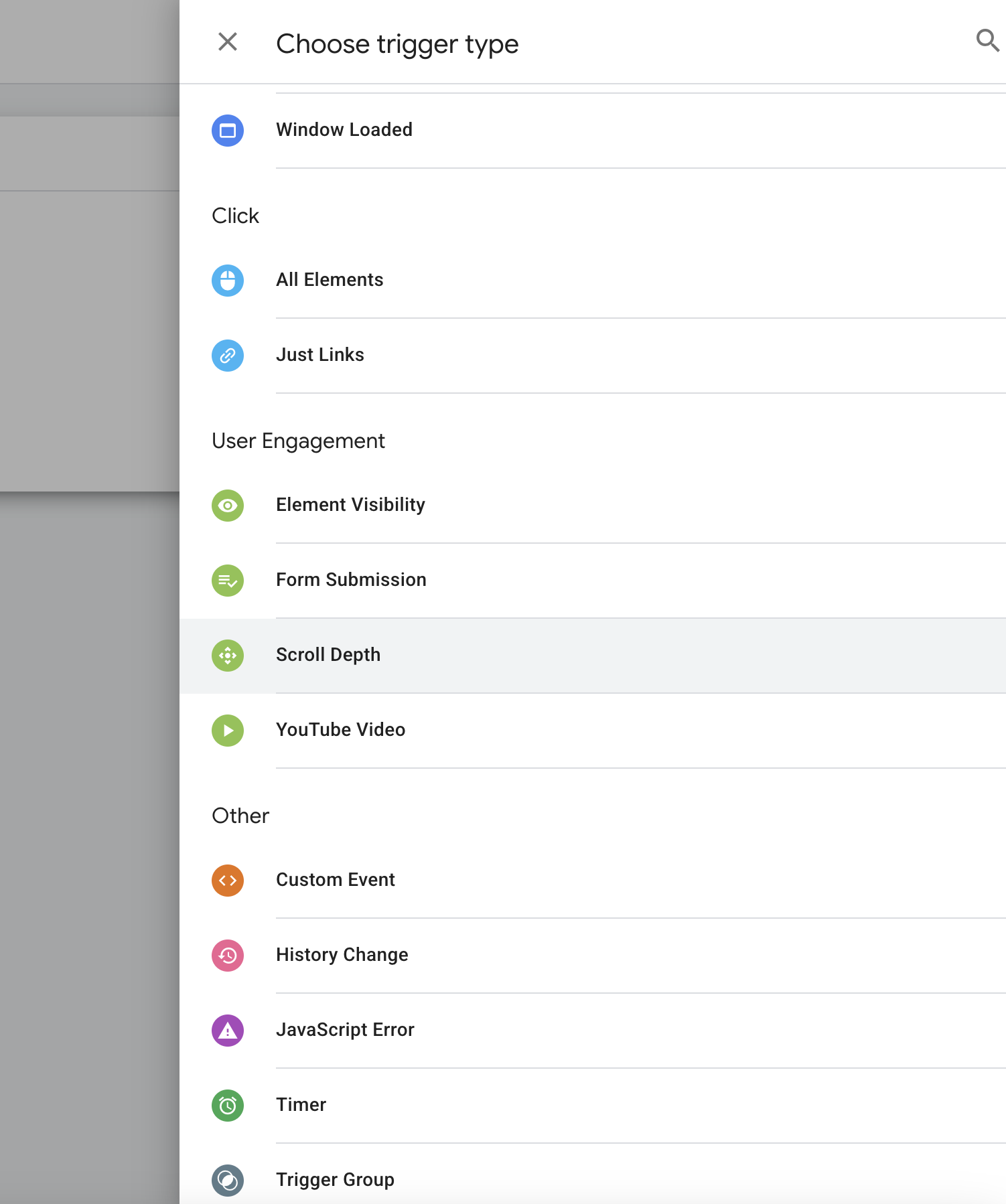
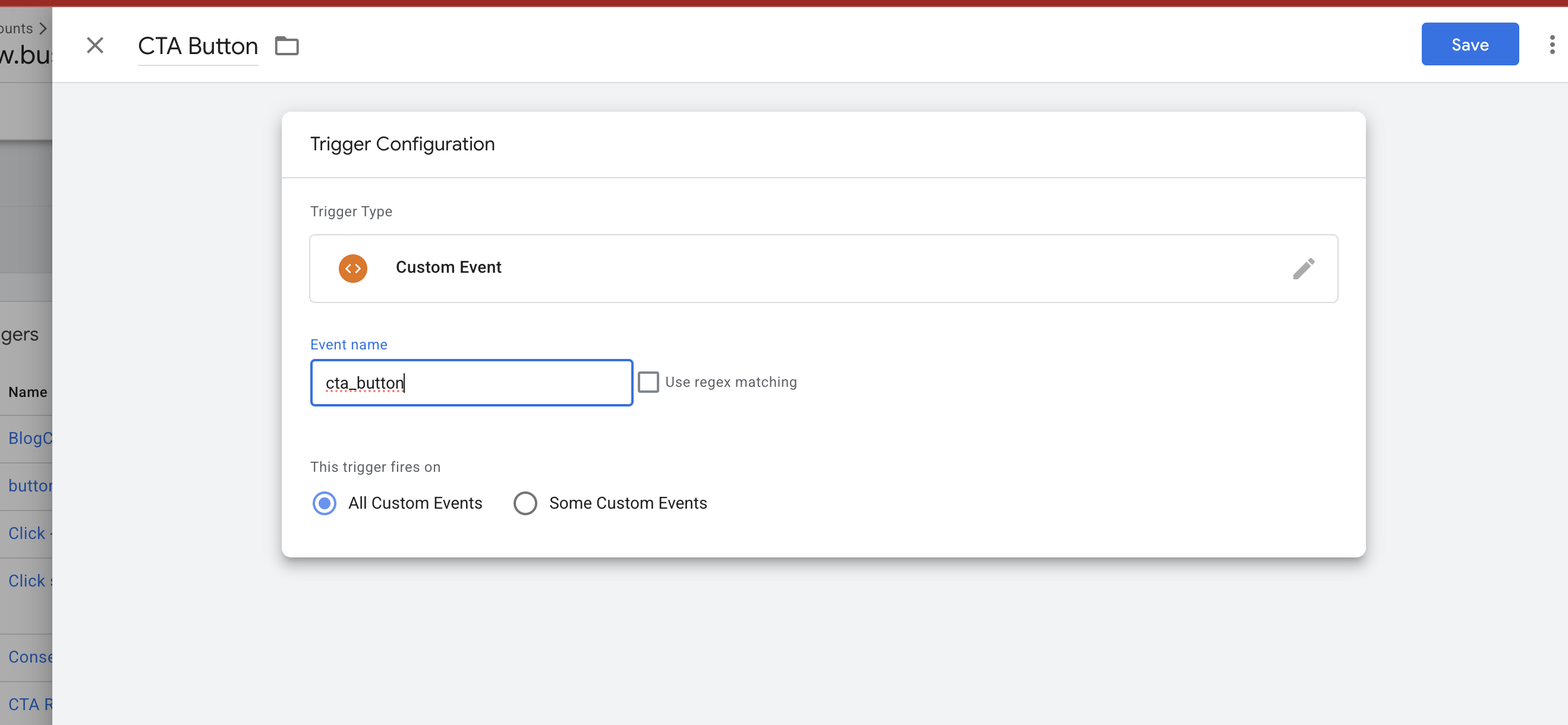
Your first step is to setup a trigger in GTM - which will match with the event name you created in the CMS
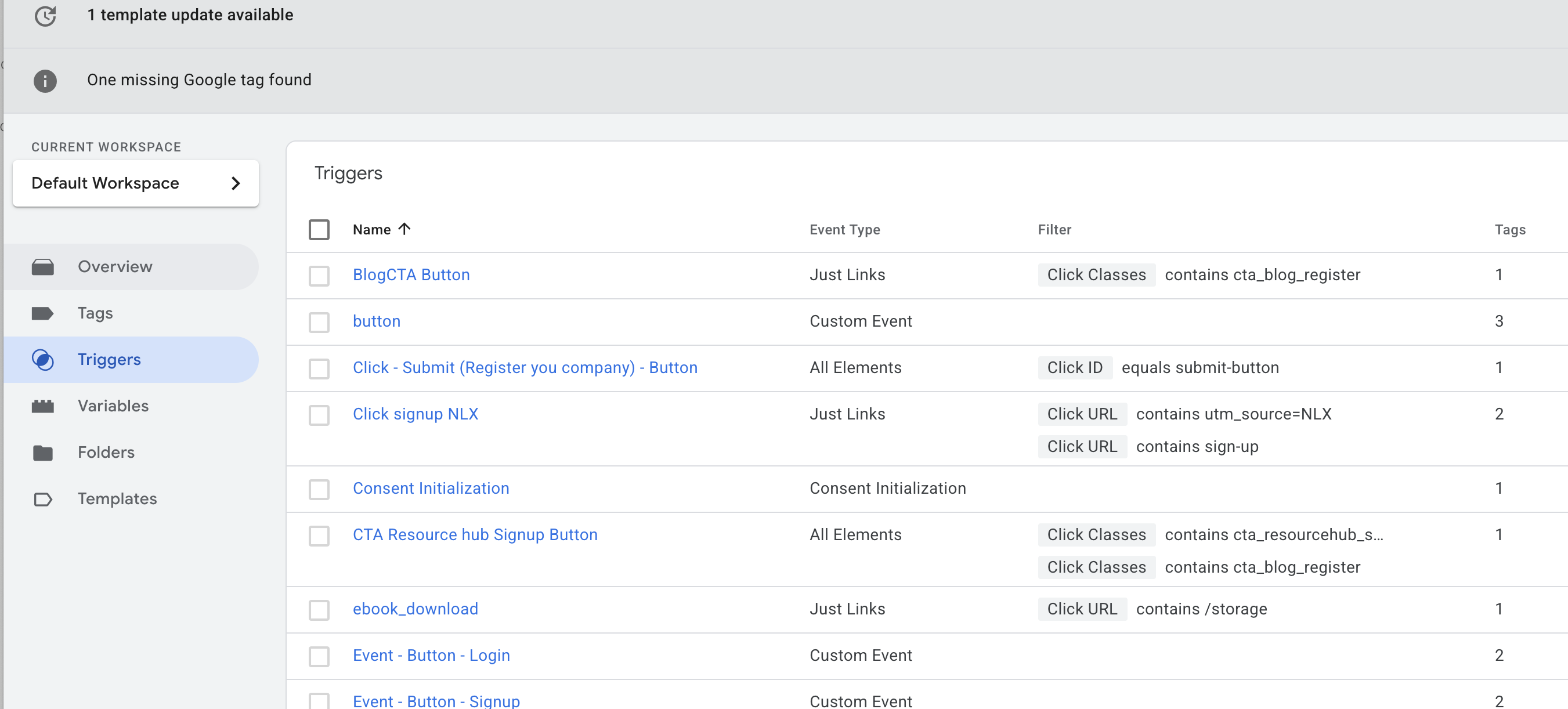
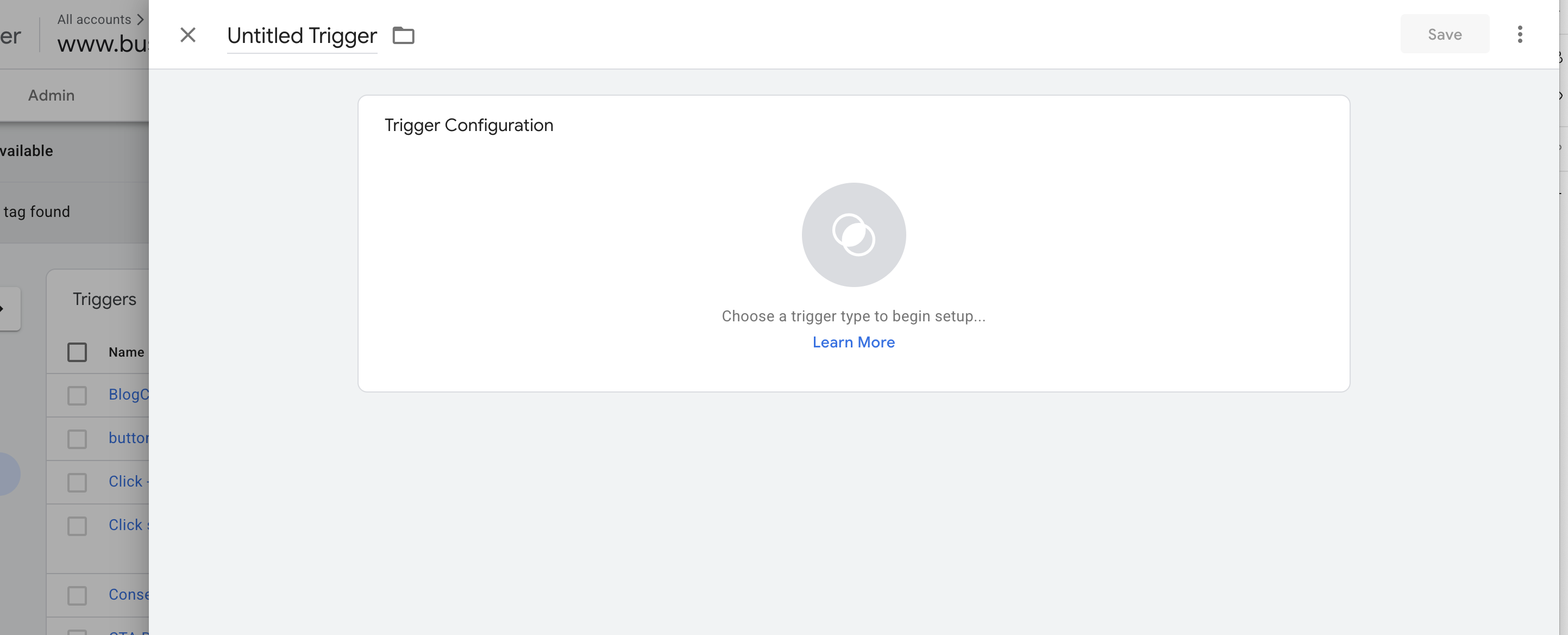
Choose Trigger type - Custom event and fill in the title and the event name you used on the CMS for the block
Tags
And the final step in GTM is to setup you tags. You will have flexibility here to choose where to send the information (GA4 / Mouseflow / etc.)
Let's take the first example with the GA4.
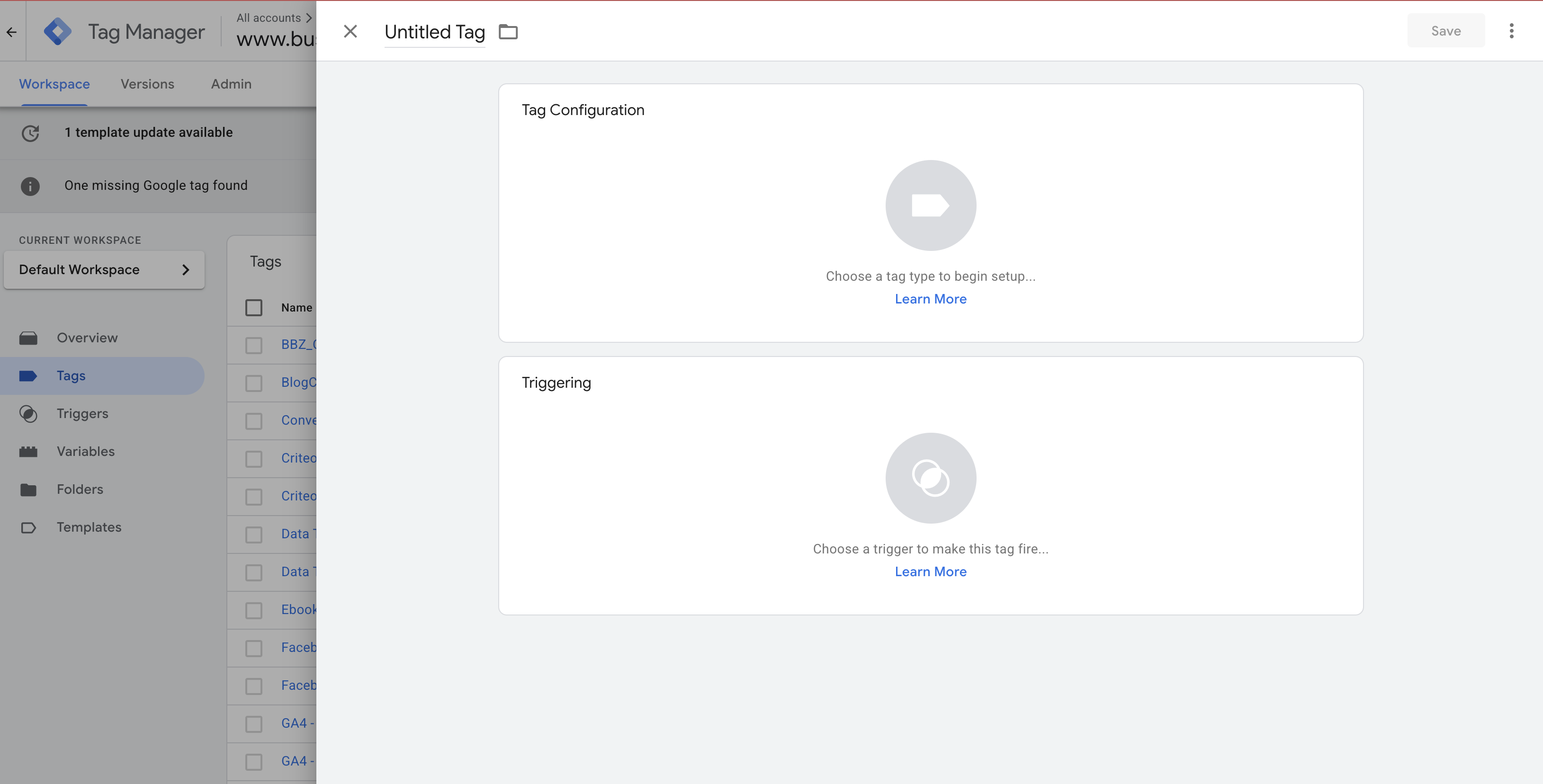
- You will go to the Tags tab and create a new tag.
- Give it a distinctive name
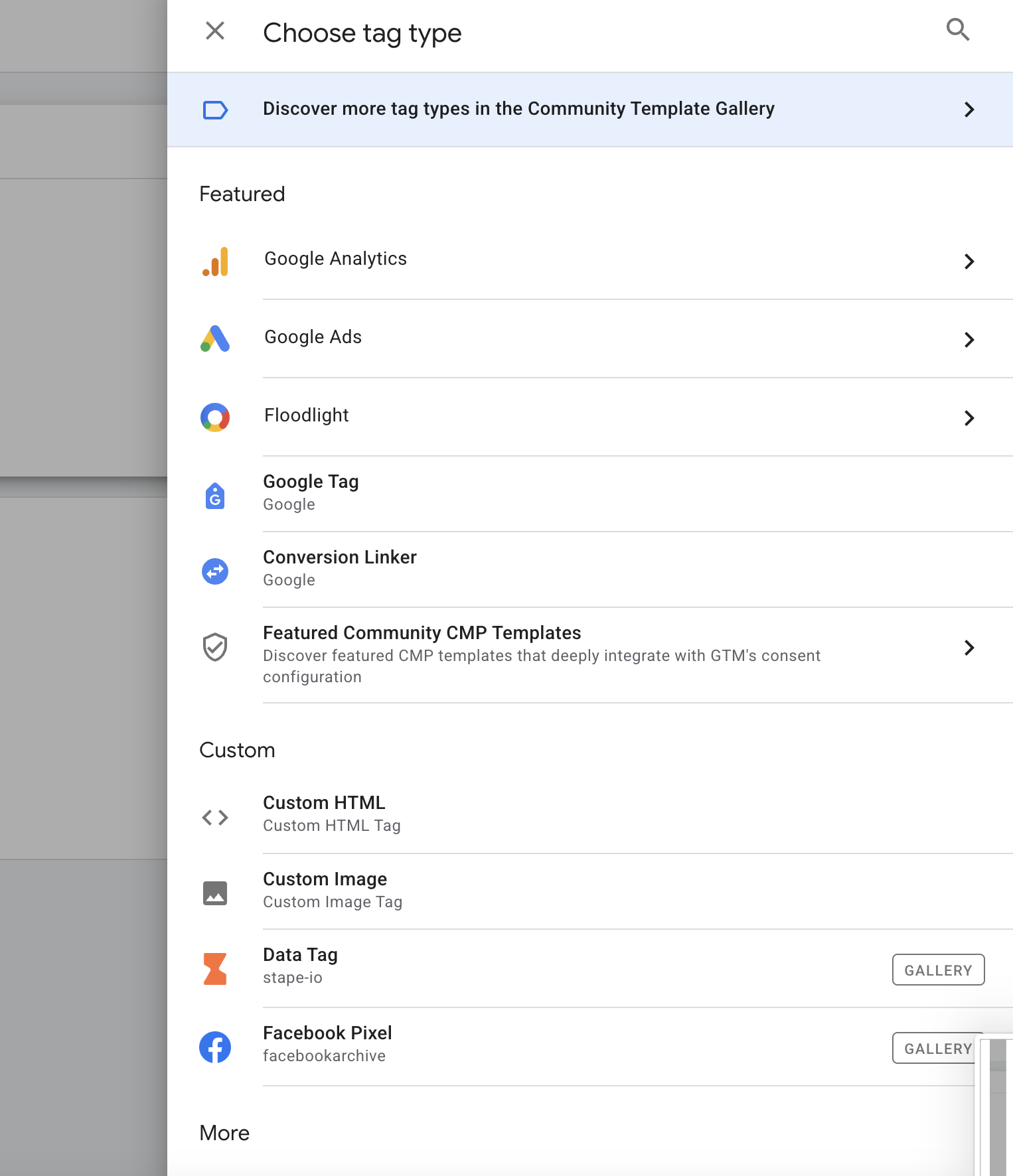
- Click on Tag Configuration
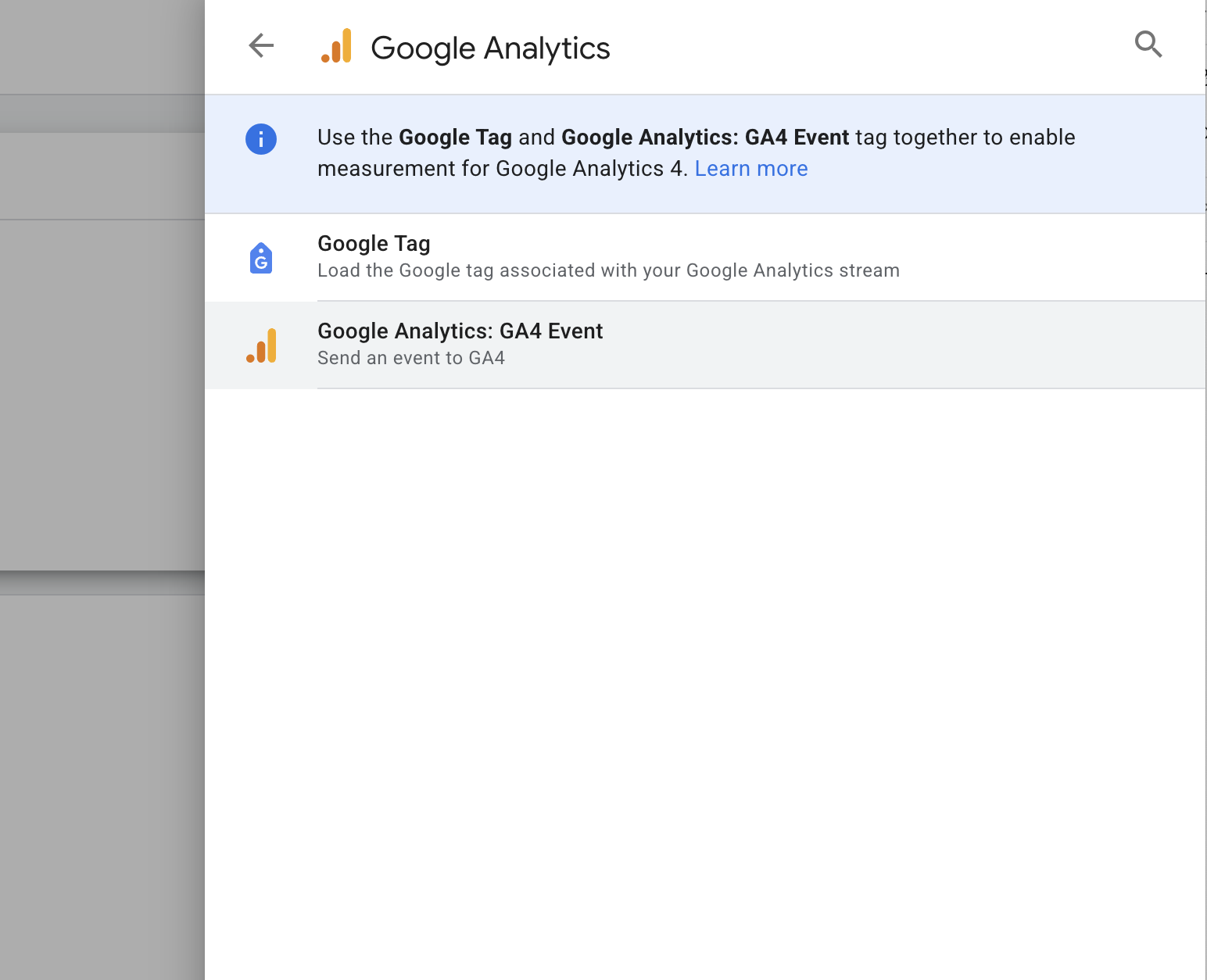
- Select Google Analytics
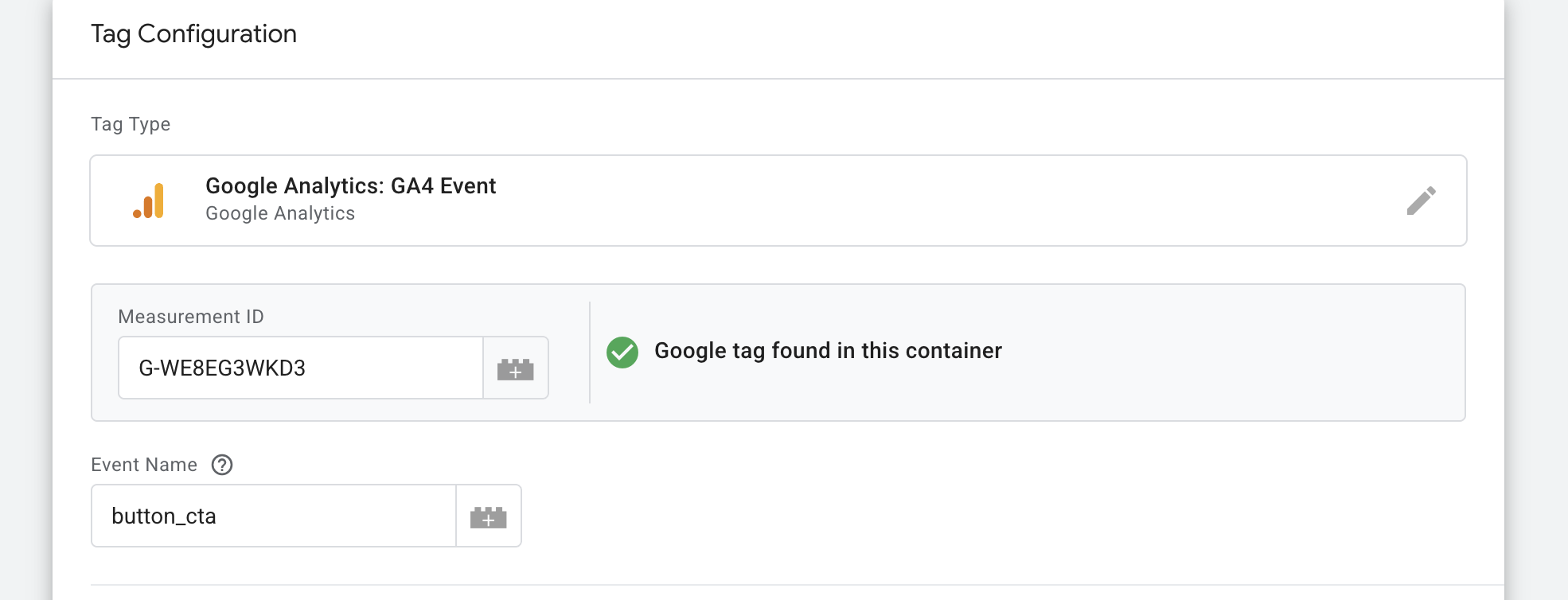
- Select GA4 Event
- Fill in the Measurement ID (you can find it also in other GA4 Tags -
G-WE8EG3WKD3) - Fill in your event name you used in the CMS and in the trigger
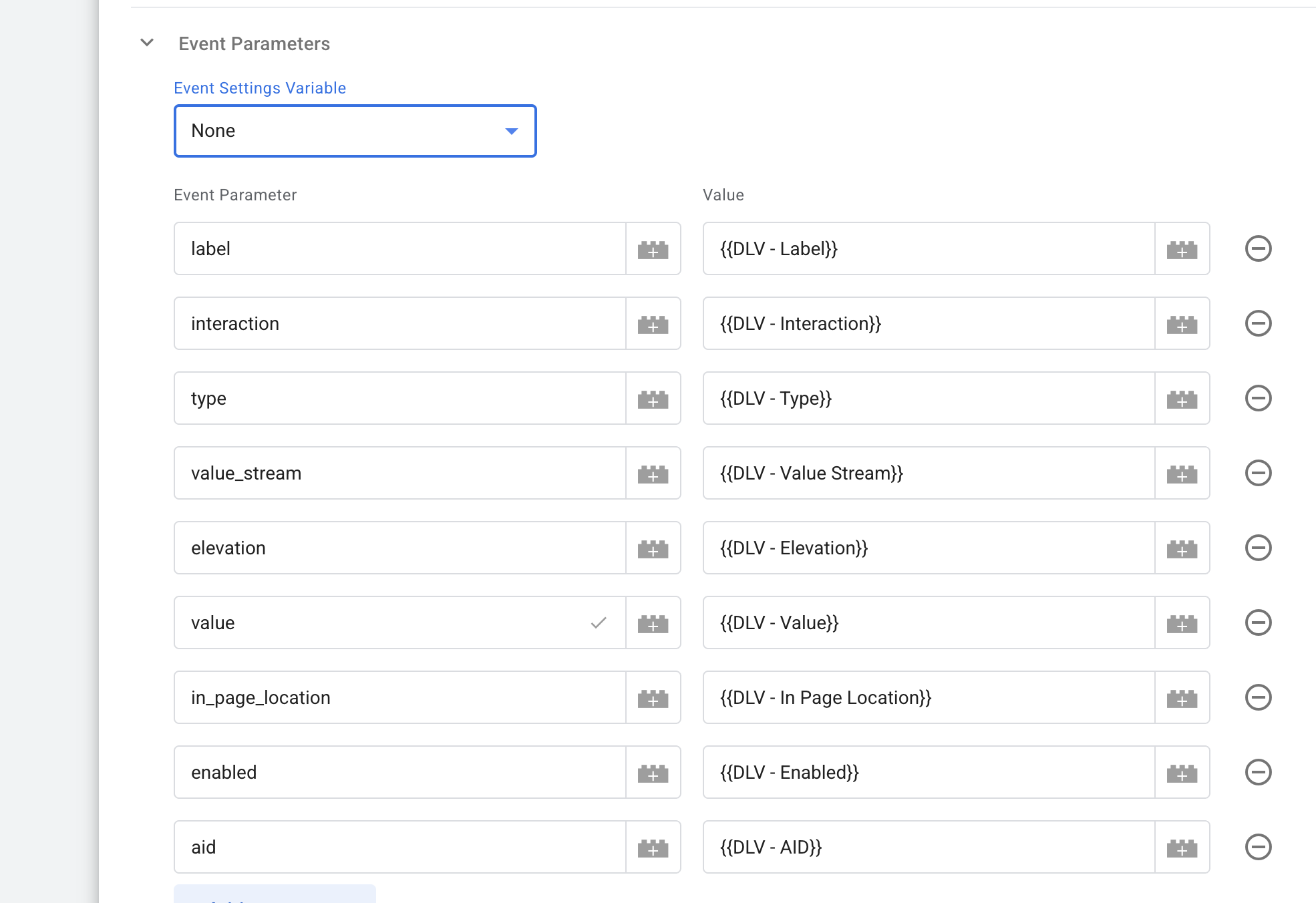
- Fill in the Event Parameters you want to use (from the variables we mentioned in the first step.
- Click on Triggers and select the Trigger you created on second step.
- Save the tag.
- Go to the main page and Publish the changes on the Container.
GA4
In the GA4 - events are coming in by default. The only thing you need to configure is the Custom dimensions / metrics.
Custom dimensions are used for text values (variables) and Custom metrics for digits values (variables) (as currency).
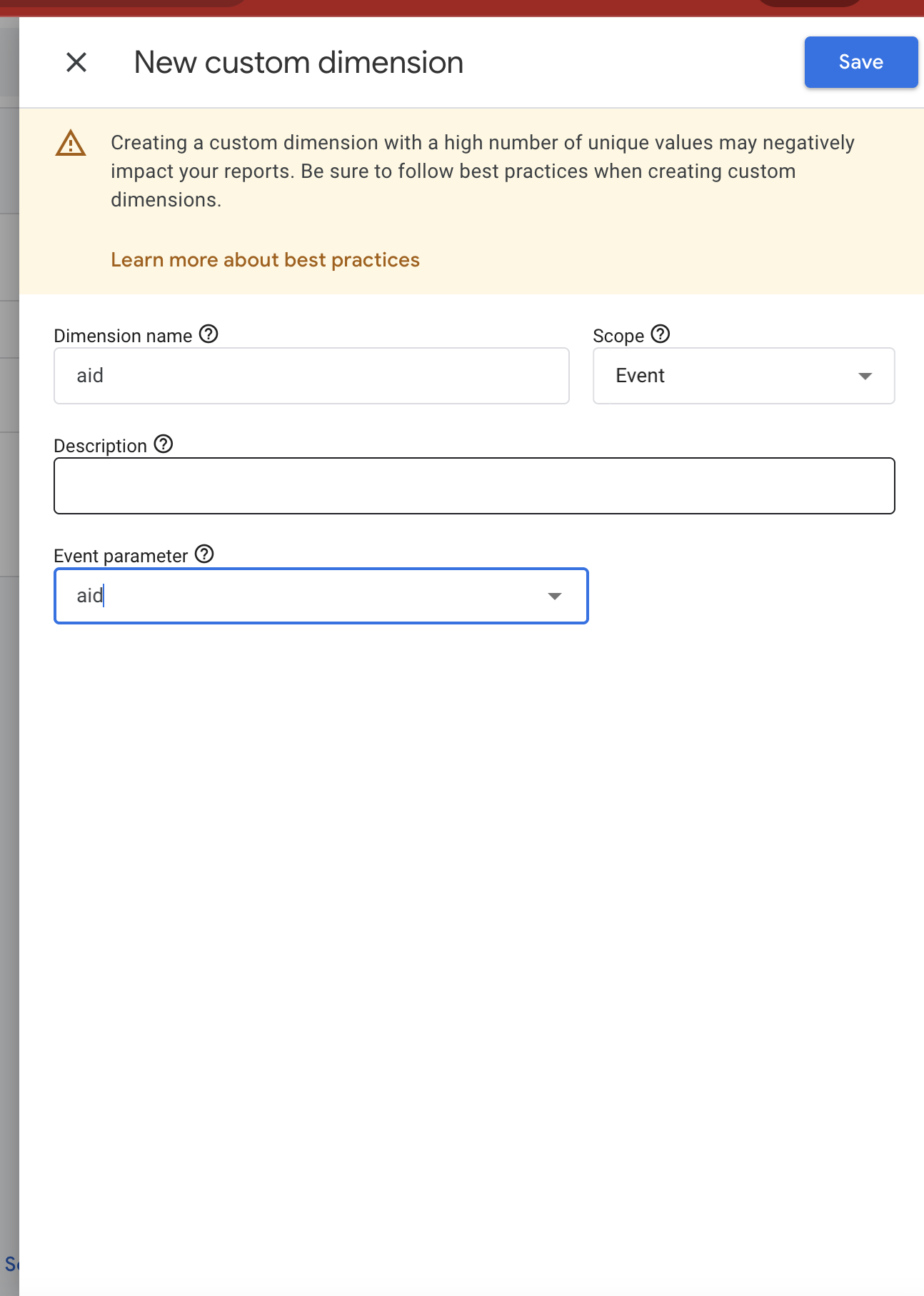
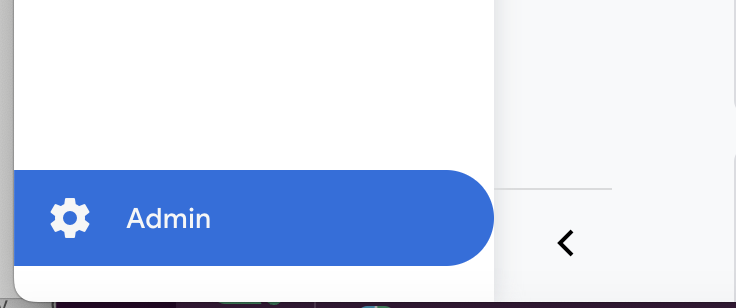
You can add them by going to Settings -> Custom dimensions
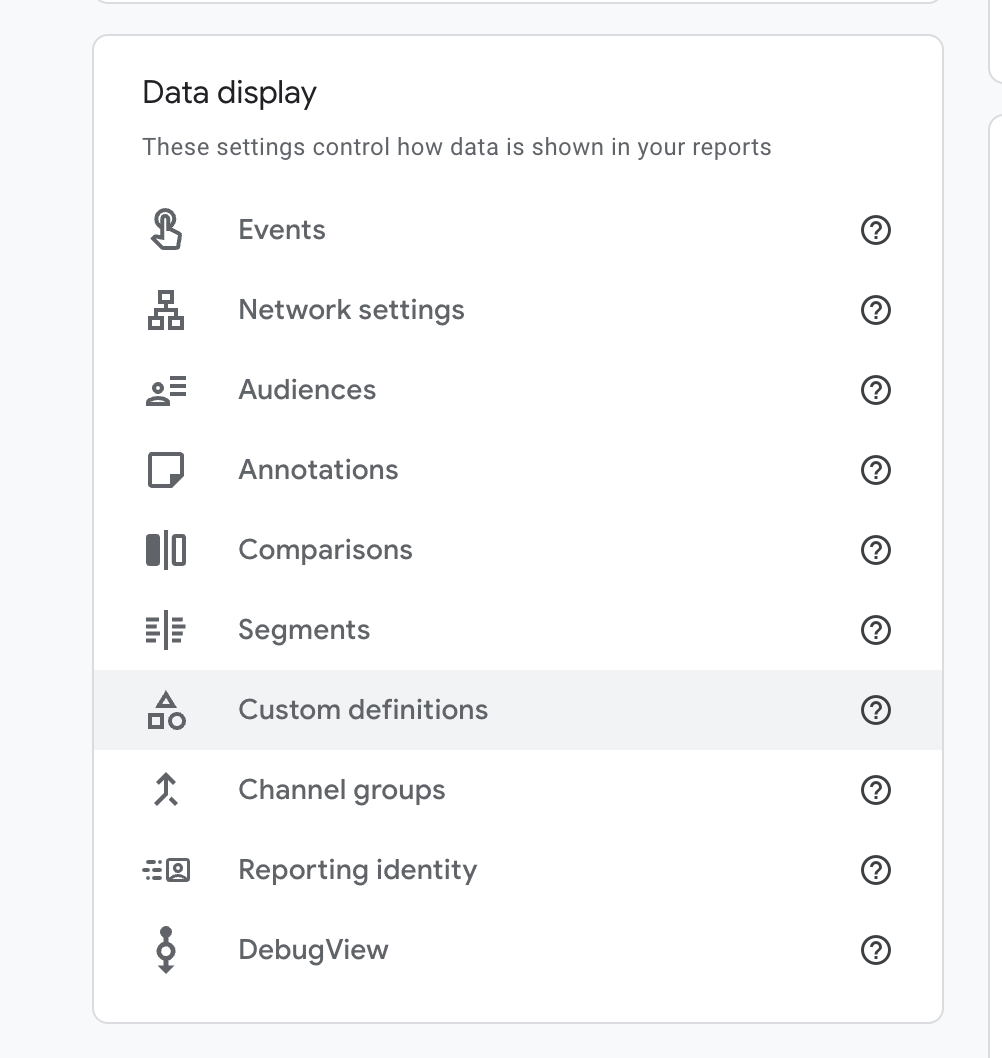
Here you have to enter your variable name in Dimension name and Event parameter.