
Media library
- Intro #1
- Adding an image to the media library #2
- Using images from media library on pages #3
- Media service #4
Intro
The media library is a global library of all the images in the CMS added during the whole life of the CMS and being used now on the pages.
The media library will contain only images / photos.
You can search through images by file name.
Also you can clean media storage from images without attached items (like block, page, FAQ, etc.) with button Clean storage

Adding an image to the media library
Adding a new image to the Media Library can happen only from inside the page edit and block editing, as the images NEED to be attached to a certain content type (page / block / faq item, etc).
Using images from media library on pages
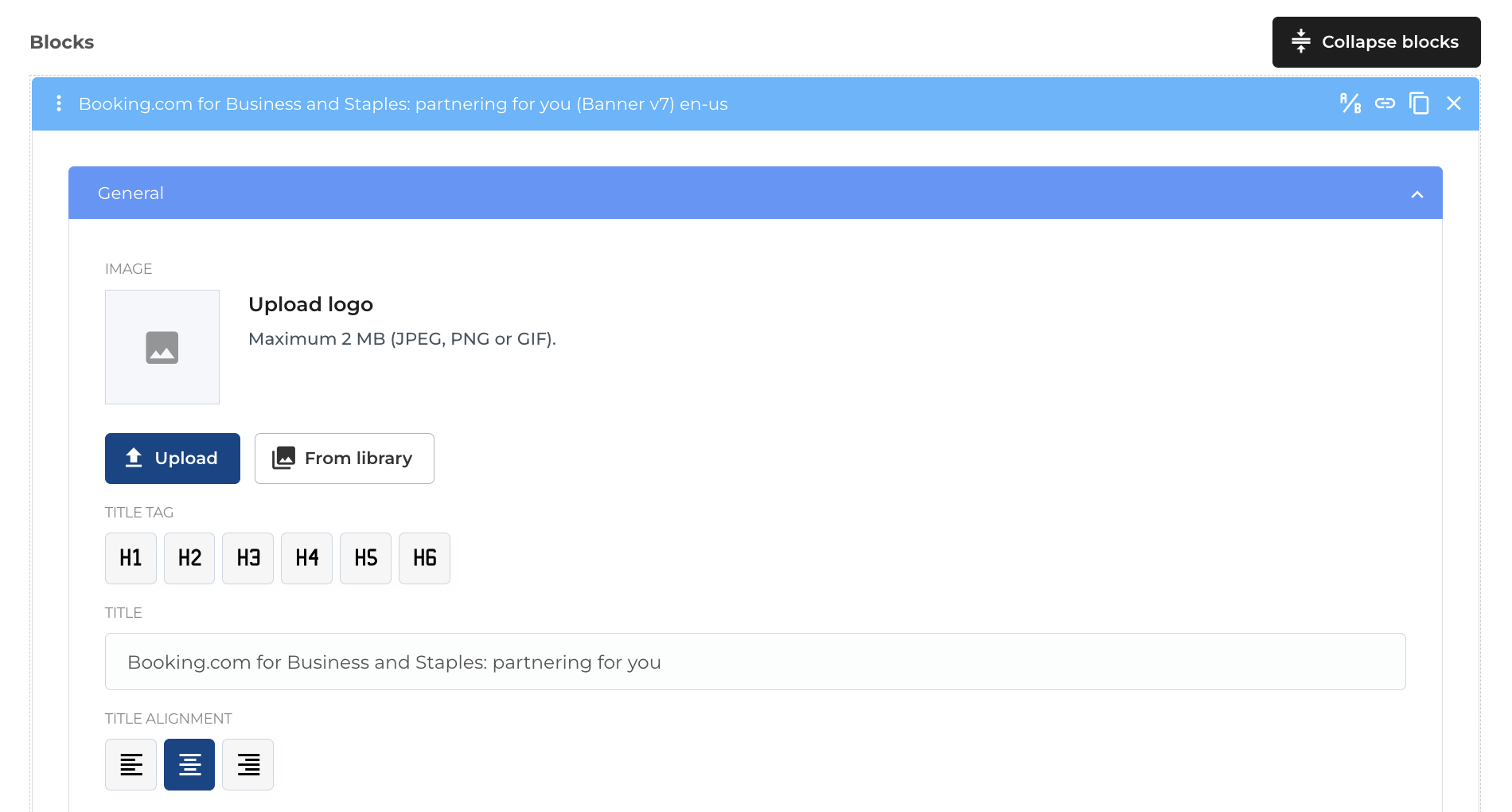
On the blocks edit - you have 2 options to add images
- Upload from computer (which will add the image to the Media Library)
- Import from Media Library (will make a copy of the same image in the Media Library and attach it to the new block)

Media service
Intro to Media Service
Media Service is a custom library built for processing any type of media, including images and videos and enable them to be publicly available on the website with the according optimizations
Original file
The Media Service will also save a copy of the original file in order to facilitate regeneration of the presets in case new sizes will be necessary
Image presets
Each uploaded image will have a set of preset sizes and formats generated from the original file, in order to have a better sizing ratio for the speed performance of the website

Image formats
Media services can process images of the following formats:
- .jpg
- .jpeg
- .png
Size / ratio limitations for images
The image should not be more than 4000px wide and 2MB in size.
.webp format for images
According to the last requirements from the SEO principles and as most browsers already support the new .webp format for images - the Media Service will create a .WEBP version for each image uploaded via the media service