Technical introduction
Dashboard
Languages & Translations
Pages
Blocks
Menus
Content
Libraries sections
MemSource Integration
Log actions
Configurations
Form requests
Form contact
AB service
Travel Policy Builder
Mouseflow
Page tags
Intro
This section of the admin panel consists of a Page tags. These tags was used for pages type Post on the old Blog page. For now Blog page was replaced with new blog page Business travel blog
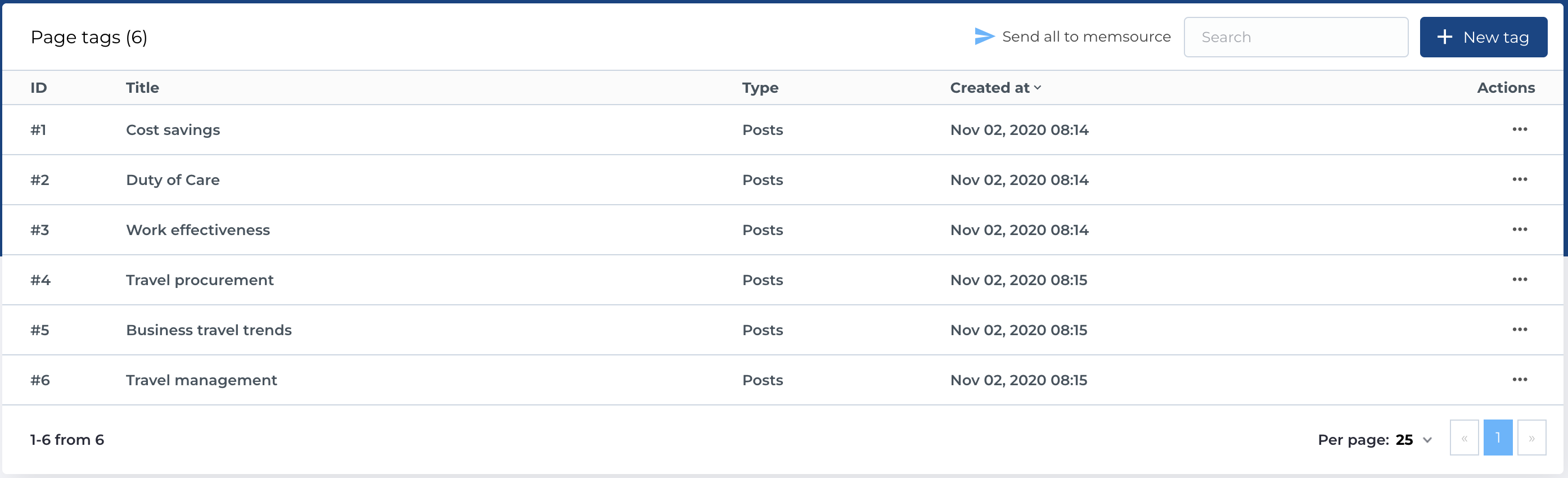
Page tags list
This section contains a list of page tags with the following columns:
- ID: Unique identifier for each tag
- Title: The title of the tag.
- Type: The type of the tag, available any page type like Static, Post and other.
- Created at: Date when page tag was created.
- Actions: Manage page tag records.
Available Actions
- Send to MemSource: As described in the following section.
- Search: Search by Title.
- Create New Entity: Add a new tag.
- Edit Existing Entity: Modify an existing tag.
- Delete Entity: Permanently delete an tag.
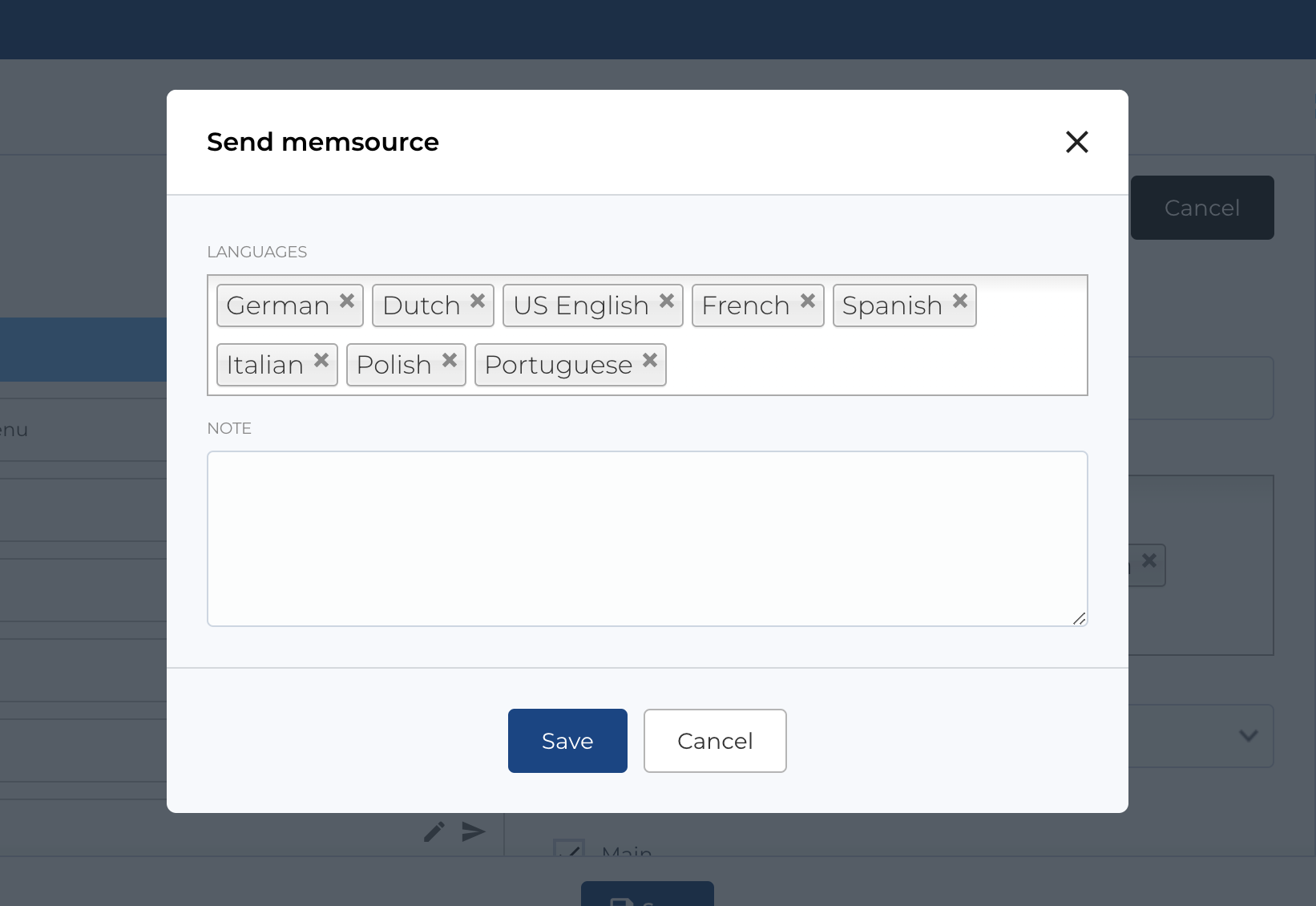
Send all tags to MemSource
The Send to MemSource button is available on the Page tags page. After clicking the button, a modal will open where you can configure translation options, specify the target languages, and add notes. These notes will be included in the translation request sent to MemSource.
Create new page tag
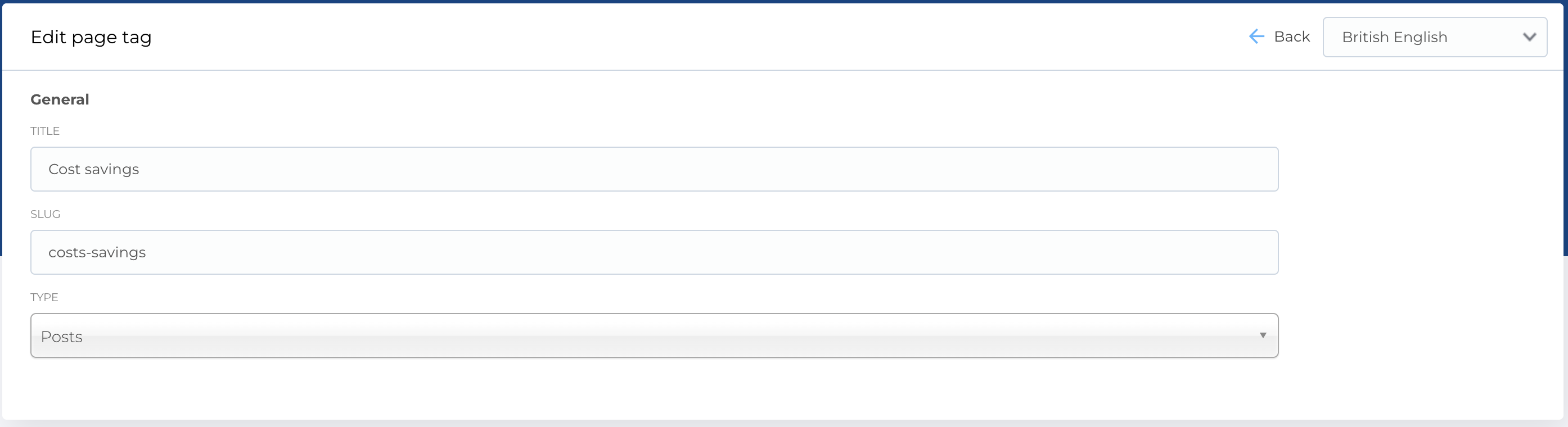
The form for creating a new page tag contains the following fields:
- Title: The title of the tag.
- Slug: Generated slug from Title or can be filled.
- Type: Dropdown of page types.
Required Fields
- Title
- Type
The edit form follows the same structure.